10 Best Office Monitors 2026 in the United States
Winner
Dell 34 Plus USB-C Curved Monitor - S3425DW - 34-inch (3440 x 1440) up to 120 Hz 21:9 Display, VA Panel, AMD FreeSync Premium, 99% sRGB, 95% DCI-P3, Integrated Speakers, 3000:1 Contrast Ratio
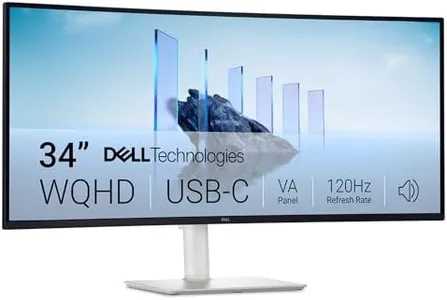
The Dell 34 Plus USB-C Curved Monitor is a good choice for office work, especially if you need a large, immersive screen. Its 34-inch size and 21:9 ultrawide format give you plenty of workspace to have multiple windows open side by side, which can boost productivity. The 3440 x 1440 resolution offers sharp text and clear images, making reading and detailed tasks comfortable for long periods. The VA panel ensures strong contrast (3000:1), so dark areas look deep and colors more vivid compared to typical office monitors. Speaking of colors, this monitor covers 99% of the sRGB range and 95% DCI-P3, which means it can display very accurate and vibrant colors, useful if your work involves some photo editing or design.
Most important from
315 reviews
Dell 27 Plus 4K USB-C Monitor - S2725QC - 27-inch 4K (3840 x 2160) 120Hz 16:9 Display, AMD FreeSync Premium, sRGB 99%, Integrated Speakers, 1500:1 Contrast Ratio, Comfortview - Ash White

The Dell 27 Plus 4K USB-C Monitor (model S2725QC) is a strong choice for office users who want a large, sharp display with vibrant colors. Its 27-inch screen and 4K resolution (3840 x 2160) provide plenty of workspace and crisp detail, ideal for multitasking and detailed documents. The in-plane switching (IPS) panel ensures wide viewing angles and accurate colors, with 99% sRGB coverage making it suitable for tasks that require good color reproduction like photo editing or design work.
Most important from
470 reviews
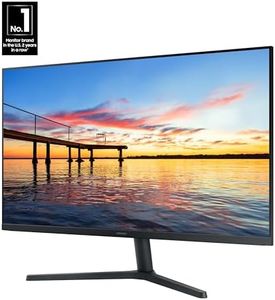
Samsung 32-Inch Flat Computer Monitor, 75Hz, Borderless Display, AMD FreeSync, Game Mode, Advanced Eye Care, HDMI and DisplayPort, LS32B304NWNXGO, 2024
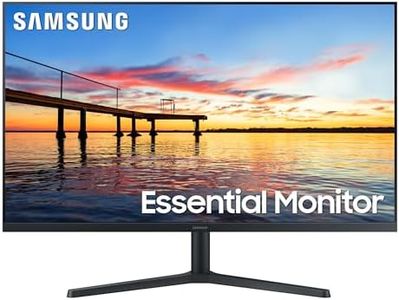
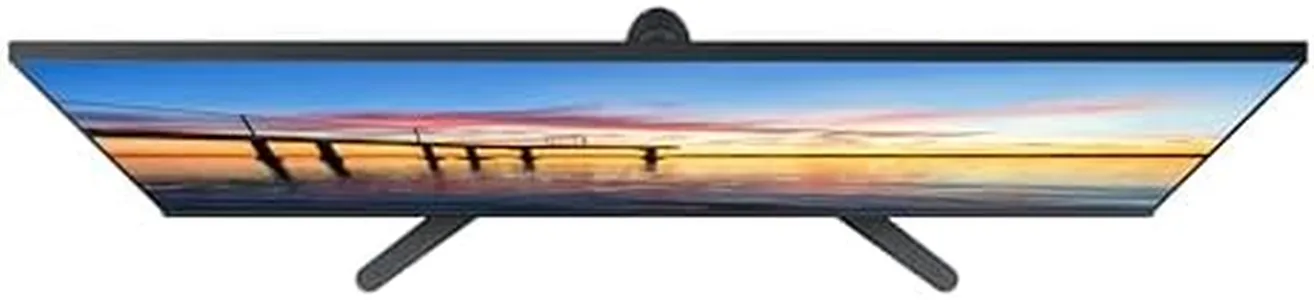
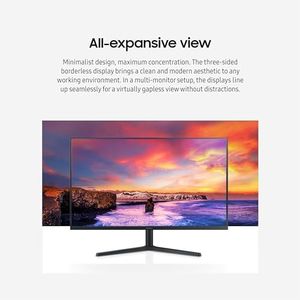
The Samsung 32-inch LS32B304NWNXGO monitor offers a large, flat screen with a Full HD (1920x1080) resolution, making it a solid choice for everyday office tasks like spreadsheets, documents, and video calls. Its three-sided borderless design creates a clean look and works well for multiple monitors lined up without distracting gaps. The 75Hz refresh rate is a slight step above the usual 60Hz found in many office monitors, resulting in smoother scrolling and animations, and it also supports casual gaming better. It includes AMD FreeSync to reduce screen tearing during fast action, which is an added benefit beyond typical office needs.
Most important from
1449 reviews
Top 10 Best Office Monitors 2026 in the United States
Winner
Dell 34 Plus USB-C Curved Monitor - S3425DW - 34-inch (3440 x 1440) up to 120 Hz 21:9 Display, VA Panel, AMD FreeSync Premium, 99% sRGB, 95% DCI-P3, Integrated Speakers, 3000:1 Contrast Ratio
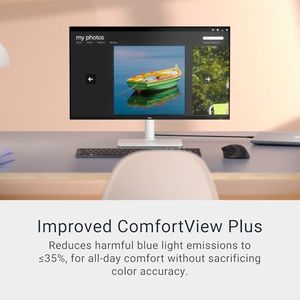
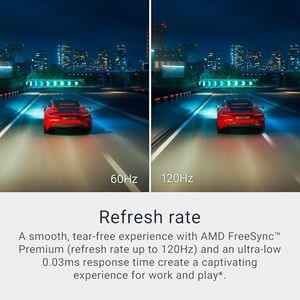
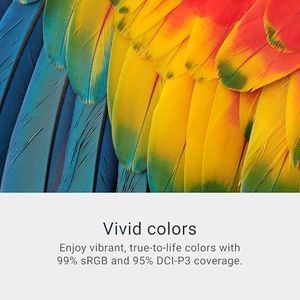
Dell 34 Plus USB-C Curved Monitor - S3425DW - 34-inch (3440 x 1440) up to 120 Hz 21:9 Display, VA Panel, AMD FreeSync Premium, 99% sRGB, 95% DCI-P3, Integrated Speakers, 3000:1 Contrast Ratio
Chosen by 1218 this week
Dell 27 Plus 4K USB-C Monitor - S2725QC - 27-inch 4K (3840 x 2160) 120Hz 16:9 Display, AMD FreeSync Premium, sRGB 99%, Integrated Speakers, 1500:1 Contrast Ratio, Comfortview - Ash White
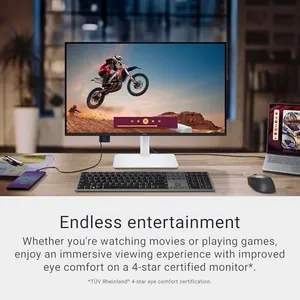

Dell 27 Plus 4K USB-C Monitor - S2725QC - 27-inch 4K (3840 x 2160) 120Hz 16:9 Display, AMD FreeSync Premium, sRGB 99%, Integrated Speakers, 1500:1 Contrast Ratio, Comfortview - Ash White
Samsung 32-Inch Flat Computer Monitor, 75Hz, Borderless Display, AMD FreeSync, Game Mode, Advanced Eye Care, HDMI and DisplayPort, LS32B304NWNXGO, 2024

Samsung 32-Inch Flat Computer Monitor, 75Hz, Borderless Display, AMD FreeSync, Game Mode, Advanced Eye Care, HDMI and DisplayPort, LS32B304NWNXGO, 2024
Dell 27 Plus 4K Monitor - S2725QS - 27-inch 4K (3840 x 2160) 120Hz 16:9 Display, IPS Panel, AMD FreeSync Premium, sRGB 99%, Integrated Speakers, 1500:1 Contrast Ratio, Comfortview - Ash White

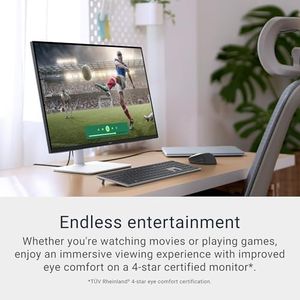
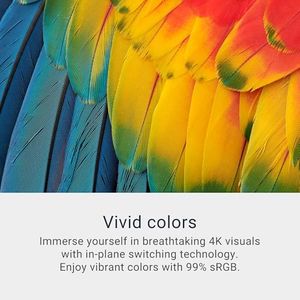
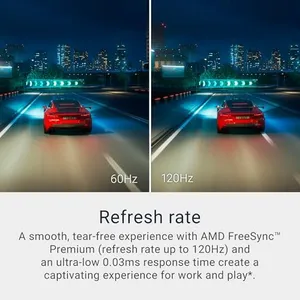
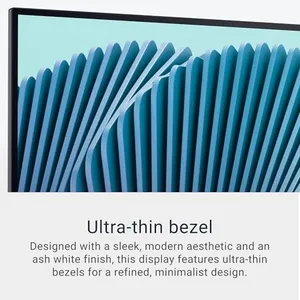
Dell 27 Plus 4K Monitor - S2725QS - 27-inch 4K (3840 x 2160) 120Hz 16:9 Display, IPS Panel, AMD FreeSync Premium, sRGB 99%, Integrated Speakers, 1500:1 Contrast Ratio, Comfortview - Ash White
Dell 32 Plus 4K Monitor - S3225QS - 31.5-inch 4K (3840 x 2160) up to 120Hz 16:9 Display, VA Panel, AMD FreeSync Premium, 99% sRGB, 95% DCI-P3, 1500:1 Contrast Ratio, Comfortview - Ash White


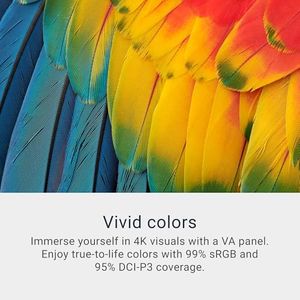
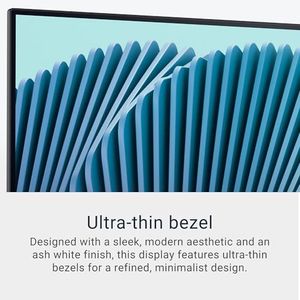
Dell 32 Plus 4K Monitor - S3225QS - 31.5-inch 4K (3840 x 2160) up to 120Hz 16:9 Display, VA Panel, AMD FreeSync Premium, 99% sRGB, 95% DCI-P3, 1500:1 Contrast Ratio, Comfortview - Ash White
Related Products
Up to 32% off
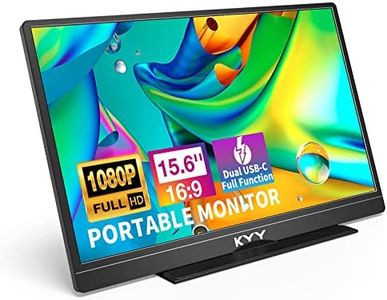
![KYY Portable Monitor 15.6'' 1080P FHD USB-C Laptop Monitors w/Smart Cover & Dual Speaker, HDMI Computer Display IPS HDR External Gaming Monitor for PC Phone Mac Xbox PS4 Switch[Upgraded]](https://images-proxy.bestreviews.guide/vIFCv2uEYZPAF0MgqvliERFQqO8=/0x300/https://m.media-amazon.com/images/I/41CdBgZtF7L._AC_CX679_.jpg)


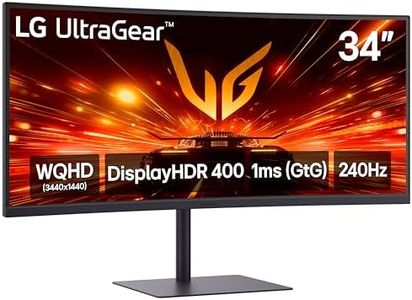
LG 34GX900A-B 34-Inch Ultragear WQHD (3440 x 1440) OLED Curved Gaming Monitor, 240Hz, 0.03ms, NVIDIA G-Sync, VESA DisplayHDR True Black 400, HDMI 2.1, DisplayPort, USB Type-C PD 65W, Black
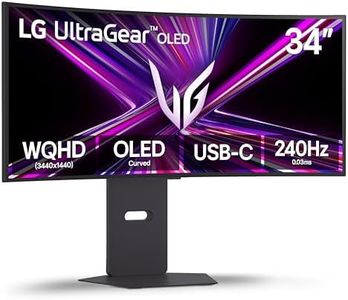



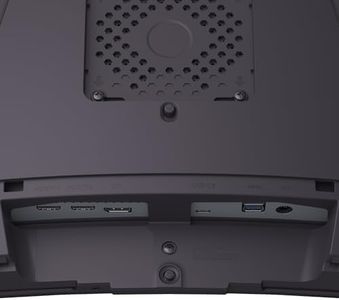
LG 34GX900A-B 34-Inch Ultragear WQHD (3440 x 1440) OLED Curved Gaming Monitor, 240Hz, 0.03ms, NVIDIA G-Sync, VESA DisplayHDR True Black 400, HDMI 2.1, DisplayPort, USB Type-C PD 65W, Black





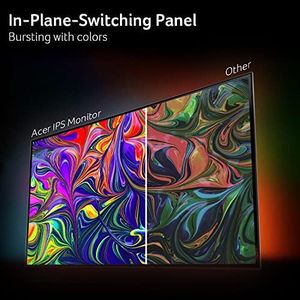
BenQ MA320U 32” 4K 3840x2160 Monitor for MacBook® Pro/Air, Dual USB-C, 90W Power Delivery, Mac Color Match, USB Hub, Brightness & Volume Control on Mac, Height & Tilt Adjustable Stand, P3 Color Gamut
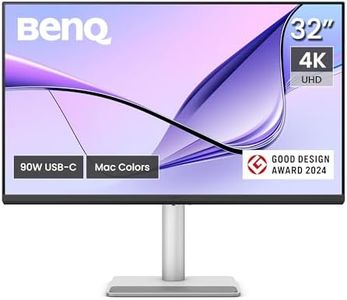

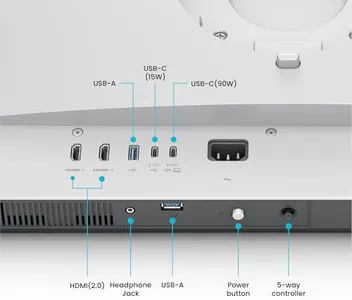
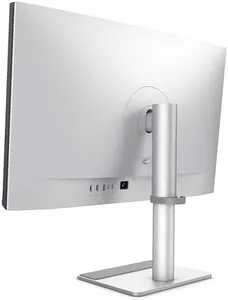
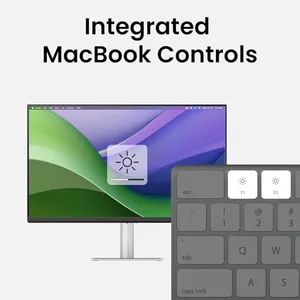
BenQ MA320U 32” 4K 3840x2160 Monitor for MacBook® Pro/Air, Dual USB-C, 90W Power Delivery, Mac Color Match, USB Hub, Brightness & Volume Control on Mac, Height & Tilt Adjustable Stand, P3 Color Gamut
Dell S2725DS Monitor - 27 Inch, QHD (2560x1440) Display, 100Hz refresh rate, 1500:1 contrast ratio, TÜV Rheinland Eye comfort 4 Star,Integrated 2x5W speaker, Height/Tilt/Swivel/Pivot- Ash White color
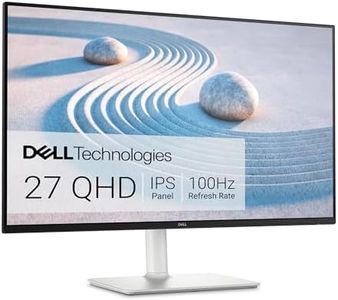

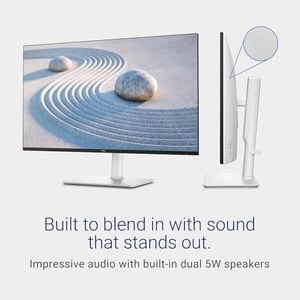

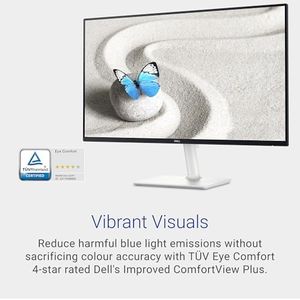
Dell S2725DS Monitor - 27 Inch, QHD (2560x1440) Display, 100Hz refresh rate, 1500:1 contrast ratio, TÜV Rheinland Eye comfort 4 Star,Integrated 2x5W speaker, Height/Tilt/Swivel/Pivot- Ash White color
Our technology thoroughly searches through the online shopping world, reviewing hundreds of sites. We then process and analyze this information, updating in real-time to bring you the latest top-rated products. This way, you always get the best and most current options available.
