We Use CookiesWe use cookies to enhance the security, performance, functionality and for analytical and promotional activities. By continuing to browse this site you are agreeing to our privacy policy

10 Best ScanSnap Scanners 2026 in the United States

#1

Winner

10.0 score

ScanSnap iX1600 Wireless or USB High-Speed Cloud Enabled Document, Photo & Receipt Scanner with Large Touchscreen and Auto Document Feeder for Mac or PC, 17 watts, Black
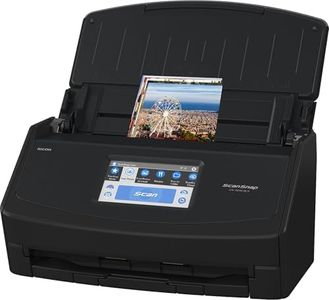
The ScanSnap iX1600 is an impressive document scanner that stands out in the home and small business category. It offers fast scanning speeds of up to 40 pages per minute in duplex mode, making it highly efficient for those who need to digitize large volumes of documents quickly. The scanner's resolution is set at 600 dpi, which is sufficient for both text and images, ensuring clear and legible scans of documents, receipts, and photos.

Rating
10.0
Chosen by1,116
Scan Speed
Document Size and Type
Connectivity

Most important from
3080 reviews

Scan Speed
Scanning speed is impressive, with 50-page documents fully OCR'd and ready to use within seconds.
Document Size and Type
The scanner handles various document sizes effortlessly, from receipts to photos, making organization simple.
Connectivity
Setup is a breeze, with seamless switching between USB and Wi-Fi connections.
Software and Compatibility
The ScanSnap Home software is a substantial improvement, offering a clean, integrated interface for managing documents.
Duplex Scanning
The duplex function is a standout feature, efficiently scanning both sides of the paper without impacting speed.
#2
8.8 score

ScanSnap iX1400 High-Speed Simple One-Touch Button Color Document, Photo & Receipt Scanner with Auto Document Feeder for Mac or PC, Black

The ScanSnap iX1400 is a user-friendly document scanner designed to simplify organizing papers, photos, receipts, and business cards. It scans quickly with one-touch operation and delivers clean, clear images at a high resolution of 600 dpi, suitable for everyday office or home use. Its automatic document feeder (ADF) can handle various paper sizes including standard letter, legal, photo, and even envelopes, making it versatile for different document types.

Rating
8.8
Scan Speed
Software and Compatibility
Automatic Document Feeder (ADF) Capacity

Most important from
944 reviews

Scan Speed
Documents scan at an impressive speed of around 40 pages per minute, even handling double-sided pages efficiently.
Software and Compatibility
Installation is a breeze, with the entire setup including software download taking under 10 minutes.
Automatic Document Feeder (ADF) Capacity
The device handles misfeeds gracefully by pausing and allowing easy removal of problematic pages without restarting the scan.
Duplex Scanning
Documents scan at an impressive speed of around 40 pages per minute, even handling double-sided pages efficiently.
#3
8.2 score

ScanSnap iX2500 Photo Edition Wireless or USB High-Speed Cloud Enabled Photo, Document & Receipt Scanner with Large 5" Touchscreen for Mac or PC, Black
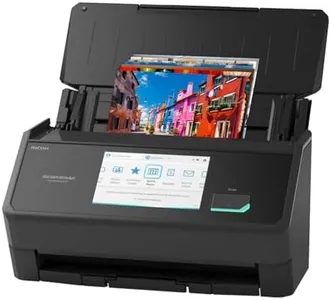
The ScanSnap iX2500 Photo Edition is a versatile scanner designed for users who want to digitize not just documents but also photos, receipts, and business cards with ease. It stands out with its fast scan speed—up to 100 photos per minute—which is excellent if you have large batches to process quickly. The scanner offers a good resolution of 600 dpi, providing clear and detailed scans suitable for both text and images. Its Automatic Document Feeder (ADF) can hold up to 100 sheets or 36 photos, making it convenient for varied scanning jobs without frequent reloading.

Rating
8.2
Scan Speed
Resolution
Document Size and Type

Most important from
14 reviews

Scan Speed
The scanner delivers incredibly fast scanning speeds, handling large batches with ease and producing searchable OCR PDFs almost instantly.
Resolution
It excels at digitizing diverse media types—documents, photos, receipts—with excellent resolution and batch capacity, making it a versatile tool for home or office use.
Document Size and Type
It excels at digitizing diverse media types—documents, photos, receipts—with excellent resolution and batch capacity, making it a versatile tool for home or office use.
Connectivity
Wireless setup is seamless, with the scanner effortlessly connecting over Wi-Fi without extra configuration, enabling smooth scanning to various cloud services and network locations.
Software and Compatibility
The ScanSnap Home software unifies document management and scanning configuration into one clean, powerful platform, greatly enhancing flexibility and workflow.
Automatic Document Feeder (ADF) Capacity
The scanner delivers incredibly fast scanning speeds, handling large batches with ease and producing searchable OCR PDFs almost instantly.

Top 10 Best ScanSnap Scanners 2026 in the United States

ScanSnap iX2500 Photo Edition Wireless or USB High-Speed Cloud Enabled Photo, Document & Receipt Scanner with Large 5" Touchscreen for Mac or PC, Black
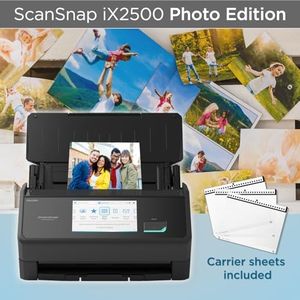
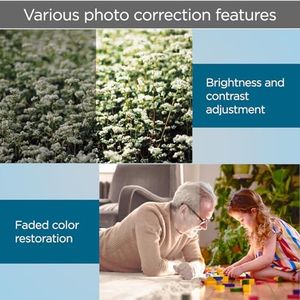
Scan Speed: up to 100 photos/minute
Resolution: 600 dpi
Document Size and Type: Documents, ID, insurance, photos, receipts
Connectivity: USB, Wi-Fi 6
Software and Compatibility: Auto optimizes scans; ARM Windows 2025
Automatic Document Feeder (ADF) Capacity: 100 sheets or 36 photos

ScanSnap iX1300 Compact Wireless or USB Double-Sided Color Document, Photo & Receipt Scanner with Auto Document Feeder and Manual Feeder for Mac or PC, White
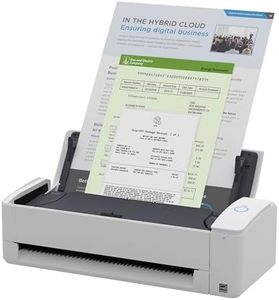
Scan Speed: 30 pages/minute
Resolution: 1200 dpi
Document Size and Type: documents, photos, receipts, cards
Connectivity: USB, Wi-Fi
Software and Compatibility: ScanSnap Home; Macs, PCs, mobile
Automatic Document Feeder (ADF) Capacity: 20 sheets
Duplex Scanning: yes

Fujitsu ScanSnap iX1500 Deluxe Color Duplex Document Scanner with Adobe Acrobat Pro DC for Mac or PC, White
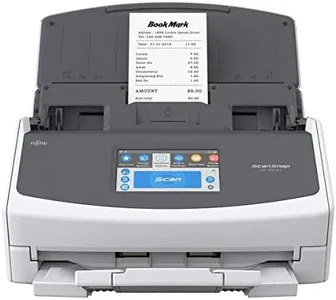
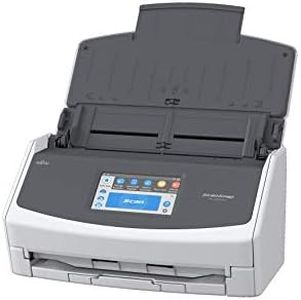
Resolution: 600 dpi
Document Size and Type: Business Card, Document
Connectivity: USB, Wi-Fi
Software and Compatibility: 1-year Adobe Acrobat Pro DC
Automatic Document Feeder (ADF) Capacity: 50 sheets
Duplex Scanning: Supported

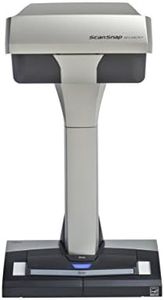
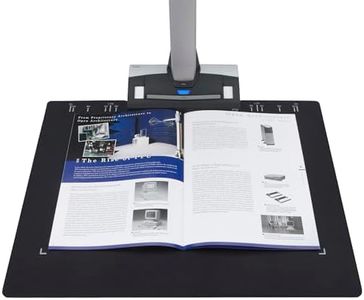
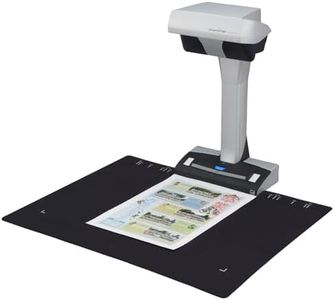
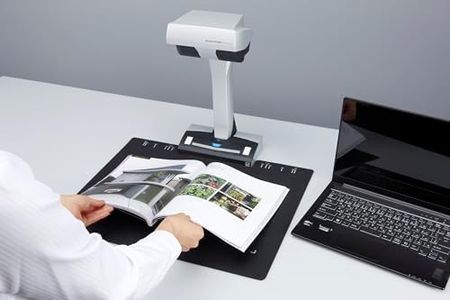
ScanSnap SV600 Overhead Book and Document Scanner, Black
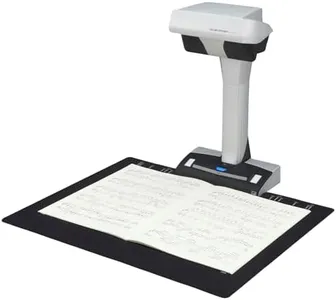
Resolution: 1200
Document Size and Type: 1x1 to 17x11.8; Paper, Photo
Connectivity: USB
Software and Compatibility: Detects multiple docs, auto crop/rotate
Duplex Scanning: No

Fujitsu ScanSnap S1300i Color Duplex Document Scanner for Mac or PC, Standard
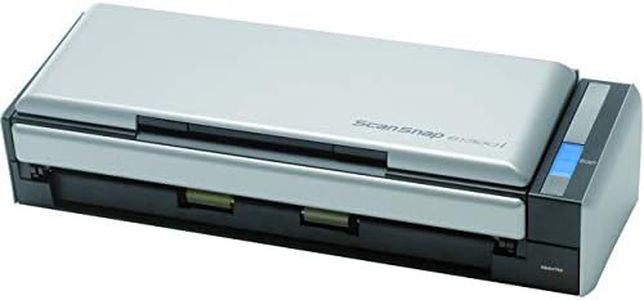
Scan Speed: 12 double-sided pages per minute
Resolution: 600 dpi
Document Size and Type: Document, Receipt
Connectivity: USB
Software and Compatibility: Mac, PC; Dropbox, Google Drive, Evernote
Automatic Document Feeder (ADF) Capacity: 10 pages
Duplex Scanning: Yes

Fujitsu ScanSnap iX500 Document Scanner (PA03656-B002)
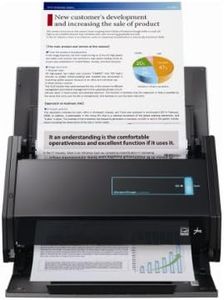
Resolution: 600 dpi
Document Size and Type: Letter size
Connectivity: USB
Software and Compatibility: Windows 7
Automatic Document Feeder (ADF) Capacity: 10 sheets

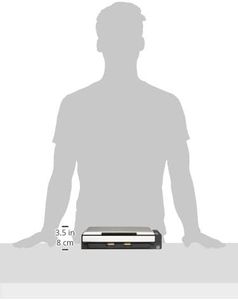
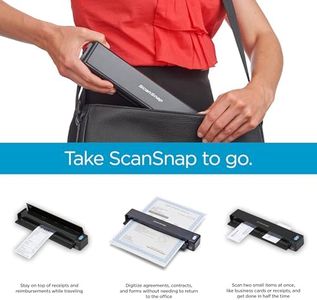
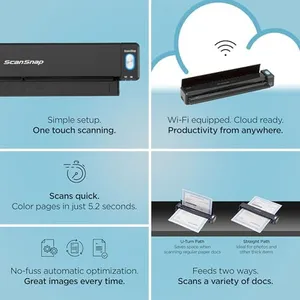
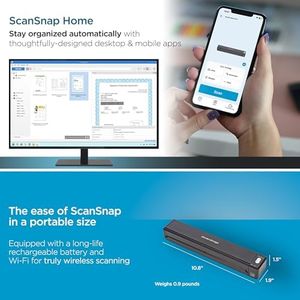
ScanSnap iX100 Wireless Mobile Portable Scanner for Mac or PC, Black
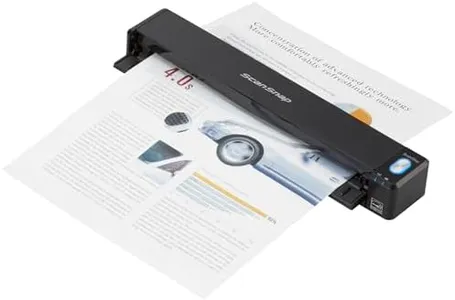
Resolution: 600
Document Size and Type: 1 x 1, 5 x 7, 8.5 x 11
Connectivity: Wi-Fi, USB
Software and Compatibility: ScanSnap Home; Mac, PC, mobile

Fujitsu PA03656-B305 ScanSnap iX500 Color Duplex Desk Scanner for Mac and PC
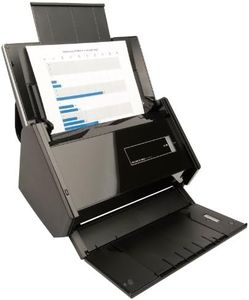
Scan Speed: 25 pages per minute
Resolution: 600 dpi
Document Size and Type: Business cards to A3 documents
Connectivity: Wi-Fi
Software and Compatibility: Mac and PC
Automatic Document Feeder (ADF) Capacity: 50 double-sided sheets
Duplex Scanning: Yes
How do we rank products for you?

Our technology thoroughly searches through the online shopping world, reviewing hundreds of sites. We then process and analyze this information, updating in real-time to bring you the latest top-rated products. This way, you always get the best and most current options available.

headphones-stars

Buying Guide for the Best ScanSnap Scanners

When choosing a ScanSnap scanner, it's important to consider your specific needs and how you plan to use the scanner. ScanSnap scanners are known for their reliability and ease of use, but different models offer various features that can make a big difference depending on your requirements. Here are some key specifications to consider when selecting the best ScanSnap scanner for you.
Scan SpeedScan speed refers to how quickly the scanner can process documents, usually measured in pages per minute (ppm). This is important if you have a large volume of documents to scan regularly. For light use, a scan speed of 10-20 ppm may be sufficient. For moderate use, look for speeds around 20-30 ppm. Heavy users, such as in an office setting, might need speeds of 30 ppm or higher. Consider how often and how much you will be scanning to determine the right speed for you.
ResolutionResolution is measured in dots per inch (dpi) and determines the clarity and detail of the scanned images. Higher resolution is important for scanning photos or documents with small text. For general document scanning, 300 dpi is usually adequate. If you need to scan detailed images or graphics, look for a scanner with 600 dpi or higher. Think about the type of documents you will be scanning most frequently to choose the appropriate resolution.
Document Size and TypeDifferent ScanSnap models can handle various document sizes and types, from business cards to A4 paper and even larger documents. Some models also support scanning of receipts, photos, and thicker items like ID cards. If you need to scan a variety of document types, look for a model with versatile document handling capabilities. Consider the types of documents you will be scanning to ensure the scanner can accommodate them.
ConnectivityConnectivity options include USB, Wi-Fi, and sometimes even Bluetooth. USB connectivity is standard and reliable for direct connection to a computer. Wi-Fi allows for wireless scanning to multiple devices, which is useful in a shared office environment or for mobile scanning. Choose a scanner with the connectivity options that best fit your workflow and environment. If you need flexibility and convenience, a model with Wi-Fi might be the best choice.
Software and CompatibilityScanSnap scanners come with software that can greatly enhance their functionality, such as OCR (Optical Character Recognition) for converting scanned documents into editable text. Ensure the scanner is compatible with your operating system (Windows, macOS, etc.) and check what software features are included. If you need advanced document management or editing capabilities, look for models that come with robust software packages. Consider your software needs and compatibility with your existing systems.
Automatic Document Feeder (ADF) CapacityThe ADF capacity indicates how many pages the scanner can hold and process automatically in one go. This is particularly important for batch scanning large volumes of documents. For occasional scanning, a smaller ADF capacity (up to 20 pages) might be sufficient. For regular or heavy scanning tasks, look for a higher ADF capacity (50 pages or more). Think about the volume of documents you will be scanning at once to determine the right ADF capacity for you.
Duplex ScanningDuplex scanning means the scanner can scan both sides of a document simultaneously. This feature is essential for efficiently scanning double-sided documents. If you frequently deal with double-sided documents, a scanner with duplex scanning will save you time and effort. For single-sided documents, this feature may not be as critical. Consider how often you will need to scan double-sided documents to decide if this feature is necessary for you.

FAQ