10 Best Apple Pencil Alternatives 2026 in the United States
Winner
Metapen Pencil A8 for Apple iPad 2018-2025, (2X Faster Charge), Tilt Sensitivity, Pixel Precision, Stylus Pen for iPad 11/10/9/8/7/6th Gen, Pro 12.9/11/13-inch M4, Air 3/4/5/M2/M3, Mini 5/6th, Black
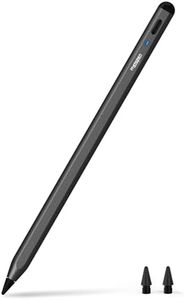
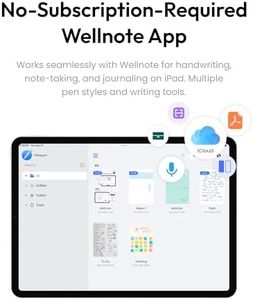
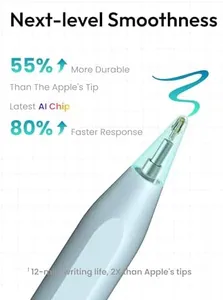
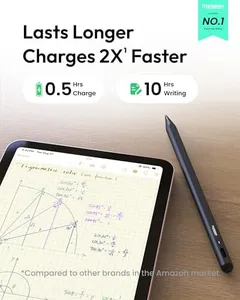
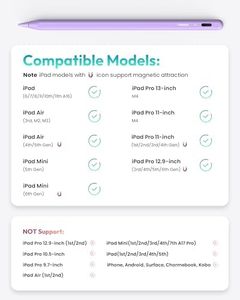
The Metapen Pencil A8 is a solid choice if you're looking for an Apple Pencil alternative compatible with many recent iPad models from 2018 to 2025, including various iPad Pros, Airs, Minis, and standard iPads. It offers excellent precision with a 0.1 mm pixel-accurate tip that feels smooth and responsive, great for writing and drawing detailed lines. While it supports tilt sensitivity, allowing you to create shading and thicker strokes by tilting the pen, it does not support pressure sensitivity, which means it won't detect how hard you press for line variation as the original Apple Pencil does. The stylus includes palm rejection, so you can comfortably rest your hand on the screen without unwanted marks, a useful feature for natural drawing or note-taking.
Most important from
20938 reviews
Pencil for Apple iPad A16 10th Generation, Fast Charge Stylus Pen for 2025-2018 iPad A16/11-6th Gen, Air 11"/13" M3/M2/5th-3rd, Pro 13"/11"/M4/12.9", Mini A17 Pro/6/5th Palm Rejection Tilt Sensitivity
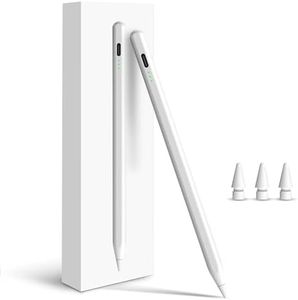
This stylus is designed specifically for newer iPads from 2018 up to 2025 models, including various iPad Air, Pro, Mini, and standard versions, making it a versatile choice if you own one of these devices. It supports tilt sensitivity, which lets you draw lines with varying thickness depending on the angle you hold the pen, a handy feature for artists or note-takers who want more control over their strokes. Palm rejection is included, so you can comfortably rest your hand on the screen while writing or drawing without worrying about accidental marks, which enhances usability during longer sessions.
Most important from
2766 reviews
Logitech Crayon Digital Pencil for iPad (USB C Port Compatibility Only) Featuring Apple Pencil Technology, No Lag Pixel-Precision, and Dynamic Smart Tip with Fast USB C Charge - Silver
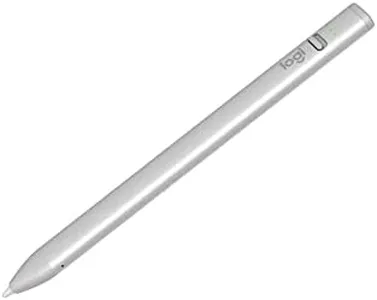
The Logitech Crayon Digital Pencil is a solid alternative to the Apple Pencil, particularly for users with iPads that have USB-C ports. One of its key strengths is its compatibility with a wide range of iPad models, from the iPad Pro to the iPad Mini, making it versatile for many users. The use of Apple Pencil technology ensures pixel-perfect precision and reduces lag, which is great for both writing and drawing tasks. The tilt sensitivity feature allows for dynamic line thickness, adding to its functionality for creative work. Battery life is decent, offering up to 7 hours of usage from a single charge, and the USB-C fast charging is convenient.
Most important from
758 reviews
Top 10 Best Apple Pencil Alternatives 2026 in the United States
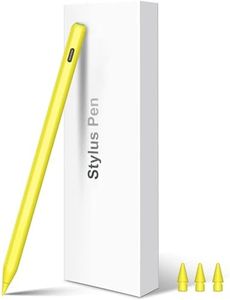
Winner
Metapen Pencil A8 for Apple iPad 2018-2025, (2X Faster Charge), Tilt Sensitivity, Pixel Precision, Stylus Pen for iPad 11/10/9/8/7/6th Gen, Pro 12.9/11/13-inch M4, Air 3/4/5/M2/M3, Mini 5/6th, Black
Metapen Pencil A8 for Apple iPad 2018-2025, (2X Faster Charge), Tilt Sensitivity, Pixel Precision, Stylus Pen for iPad 11/10/9/8/7/6th Gen, Pro 12.9/11/13-inch M4, Air 3/4/5/M2/M3, Mini 5/6th, Black
Chosen by 1482 this week
Pencil for Apple iPad A16 10th Generation, Fast Charge Stylus Pen for 2025-2018 iPad A16/11-6th Gen, Air 11"/13" M3/M2/5th-3rd, Pro 13"/11"/M4/12.9", Mini A17 Pro/6/5th Palm Rejection Tilt Sensitivity
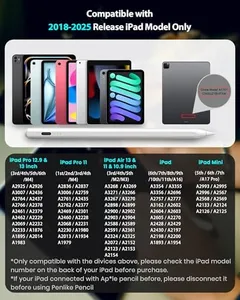
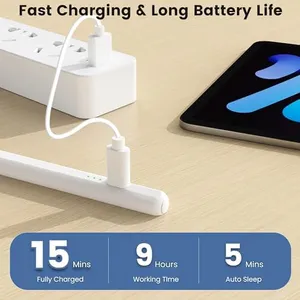
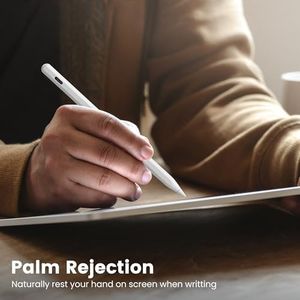
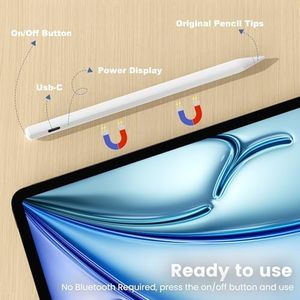
Pencil for Apple iPad A16 10th Generation, Fast Charge Stylus Pen for 2025-2018 iPad A16/11-6th Gen, Air 11"/13" M3/M2/5th-3rd, Pro 13"/11"/M4/12.9", Mini A17 Pro/6/5th Palm Rejection Tilt Sensitivity
Logitech Crayon Digital Pencil for iPad (USB C Port Compatibility Only) Featuring Apple Pencil Technology, No Lag Pixel-Precision, and Dynamic Smart Tip with Fast USB C Charge - Silver
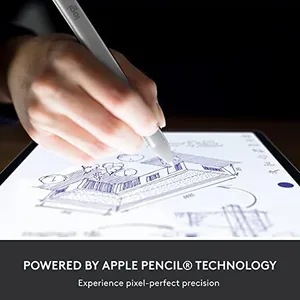
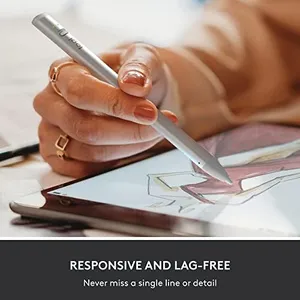
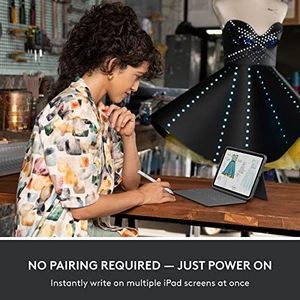
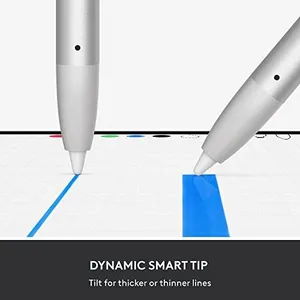
Logitech Crayon Digital Pencil for iPad (USB C Port Compatibility Only) Featuring Apple Pencil Technology, No Lag Pixel-Precision, and Dynamic Smart Tip with Fast USB C Charge - Silver
ESR Geo Digital iPad Pencil Findmy Compatible with Apple iPad 2018-2025,with Easy Shortcuts for Apple iPad A16/10/9/8 & Air 13/11 & Pro 12.9/13/11 & Mini 7/6/5,White(No Wireless Charging)
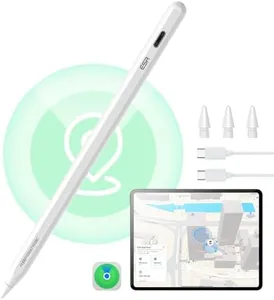
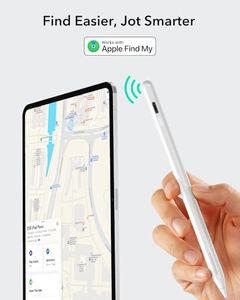
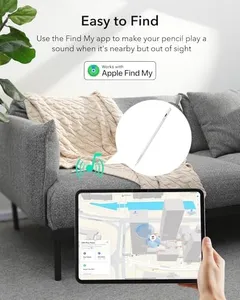
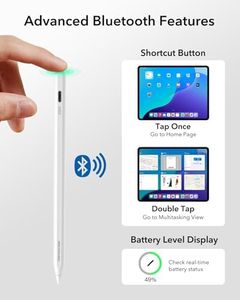
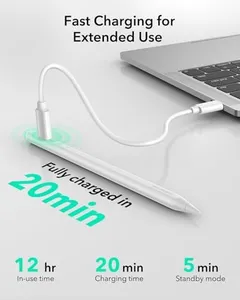
ESR Geo Digital iPad Pencil Findmy Compatible with Apple iPad 2018-2025,with Easy Shortcuts for Apple iPad A16/10/9/8 & Air 13/11 & Pro 12.9/13/11 & Mini 7/6/5,White(No Wireless Charging)
STAEDTLER Noris Classic Digital Stylus Pen: No Charging, EMR Palm Rejection, 4.096 Pressure Levels, Hexagonal Shape, Natural Writing and Drawing on Touchscreen Tablet, Laptop, Phone
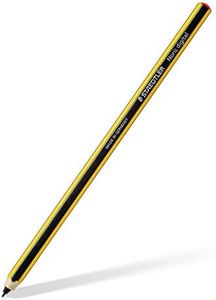
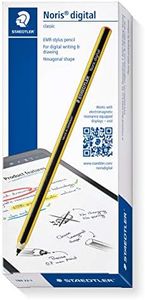
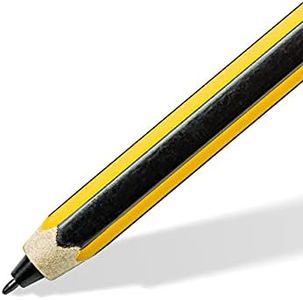
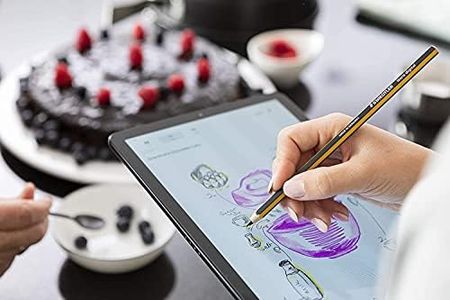
STAEDTLER Noris Classic Digital Stylus Pen: No Charging, EMR Palm Rejection, 4.096 Pressure Levels, Hexagonal Shape, Natural Writing and Drawing on Touchscreen Tablet, Laptop, Phone
Related Products
Up to 20% off
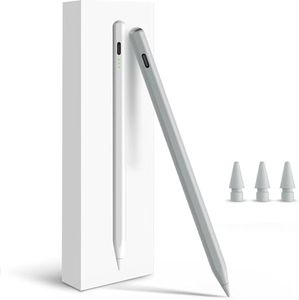
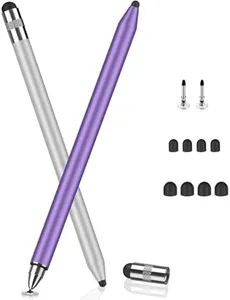
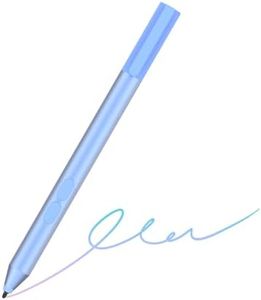
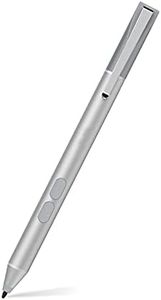
MoKo Stylus Pen for iPad 2018-2025, USB-C Fast Charging Pencil with LED Power Display Tilt Sensitivity for Apple iPad A16/11/10/9/8/7/6, Air 7/6/5/4/3/M3/M2, Pro 13"/12.9"/11"/M4, Mini 7/6/5, White
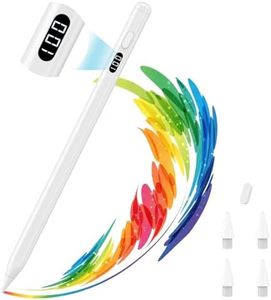
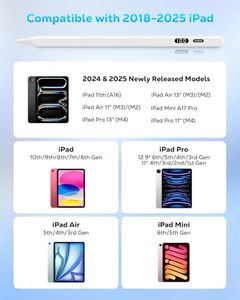
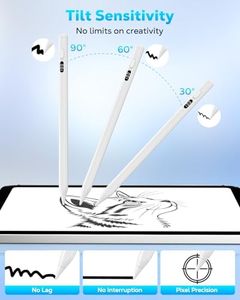
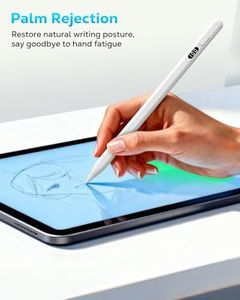
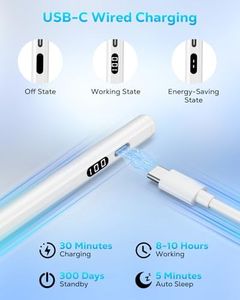
MoKo Stylus Pen for iPad 2018-2025, USB-C Fast Charging Pencil with LED Power Display Tilt Sensitivity for Apple iPad A16/11/10/9/8/7/6, Air 7/6/5/4/3/M3/M2, Pro 13"/12.9"/11"/M4, Mini 7/6/5, White
Stylus Pen for iPad W/Palm Rejection Tilt Sensitivity,13 Mins Fully Charged,MEKO Active Touch Screen Apple Pencil Compatible W/iPad 6/7/8/9/10,Pro12.9&11",Air3/4/5,mini5/6-Pink
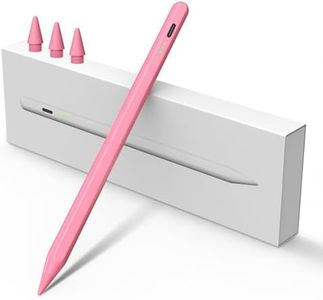
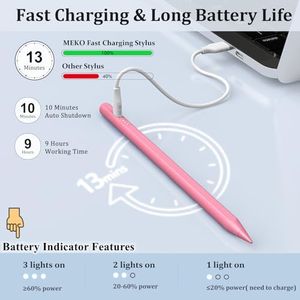
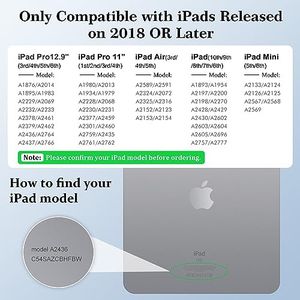
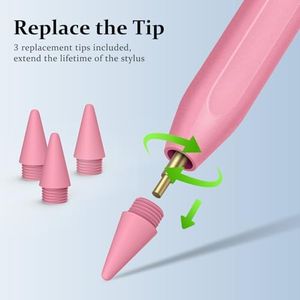
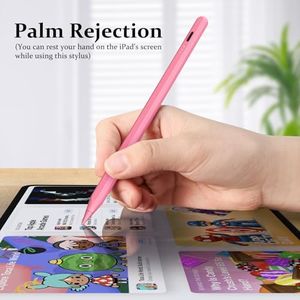
Stylus Pen for iPad W/Palm Rejection Tilt Sensitivity,13 Mins Fully Charged,MEKO Active Touch Screen Apple Pencil Compatible W/iPad 6/7/8/9/10,Pro12.9&11",Air3/4/5,mini5/6-Pink
Stylus Pen for iPad(2018-2025)-13 Mins Fast Charge with Tilt Sensitivity & Palm Rejection for iPad 11/10/9/8/7/6th Gen, Air 7/6/5/4/3/M3/M2, Pro 13"/12.9"/11"/M4, Mini 7/6/5th, White

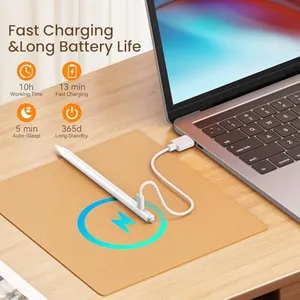
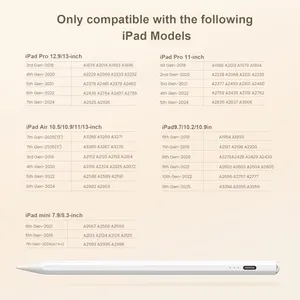
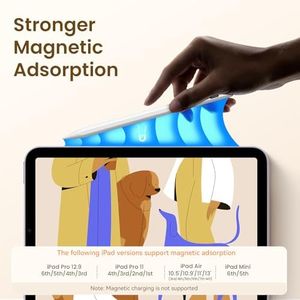
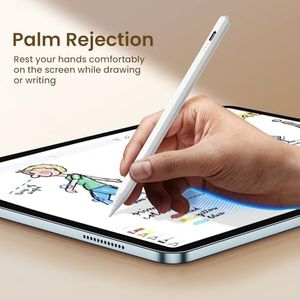
Stylus Pen for iPad(2018-2025)-13 Mins Fast Charge with Tilt Sensitivity & Palm Rejection for iPad 11/10/9/8/7/6th Gen, Air 7/6/5/4/3/M3/M2, Pro 13"/12.9"/11"/M4, Mini 7/6/5th, White
KEEPRO Stylus Pen for iPad 2018-2025, USB-C Fast Charging Pencil, Pixel-Perfect Tilt Sensitivity for iPad 11/10/9/8/7/6/A16, Mini 7/6/5, Air M3/M2 11"/13"/5/4/3, Pro M4 13"/12.9″/11″
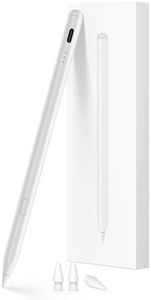
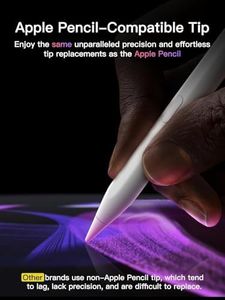
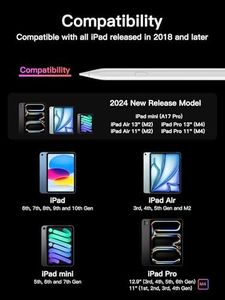
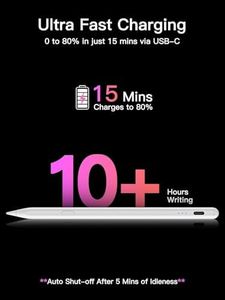
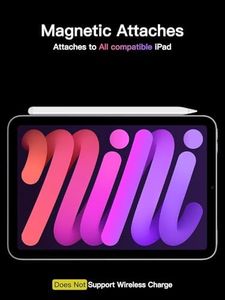
KEEPRO Stylus Pen for iPad 2018-2025, USB-C Fast Charging Pencil, Pixel-Perfect Tilt Sensitivity for iPad 11/10/9/8/7/6/A16, Mini 7/6/5, Air M3/M2 11"/13"/5/4/3, Pro M4 13"/12.9″/11″
Stylus Pen for iPad Pencil 10th Generation, 2X Fast Charge Apple Pencil with Tilt Sensitivity & Palm Rejection, Compatible with 2018-2025 iPad 6-11th, Pro 12.9/11/13"/ M4, Air 3/4/5/M2/M3, Mini 5/6
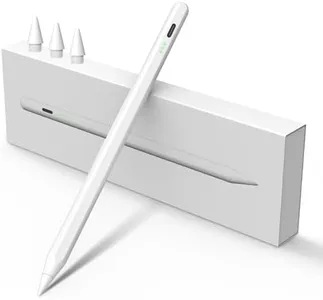
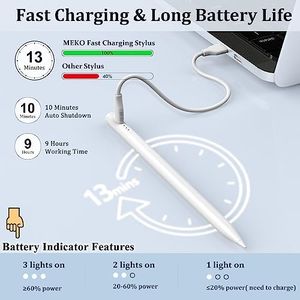
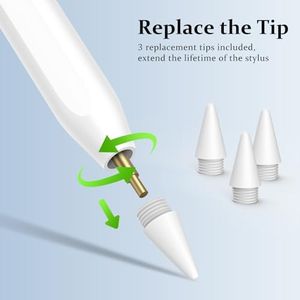
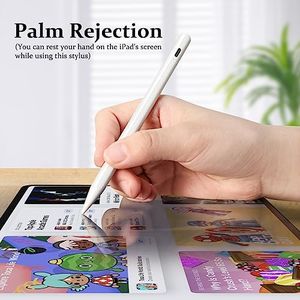
Stylus Pen for iPad Pencil 10th Generation, 2X Fast Charge Apple Pencil with Tilt Sensitivity & Palm Rejection, Compatible with 2018-2025 iPad 6-11th, Pro 12.9/11/13"/ M4, Air 3/4/5/M2/M3, Mini 5/6
Recommended lists

Ipad Pencil Alternative
Our technology thoroughly searches through the online shopping world, reviewing hundreds of sites. We then process and analyze this information, updating in real-time to bring you the latest top-rated products. This way, you always get the best and most current options available.
