We Use CookiesWe use cookies to enhance the security, performance, functionality and for analytical and promotional activities. By continuing to browse this site you are agreeing to our privacy policy

10 Best Ink Tank Printer 2026 in the United States

#1

Winner

10.0 score

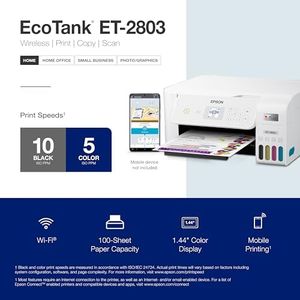
Epson EcoTank ET-2803 Wireless Color All-in-One Cartridge-Free Supertank Printer with Scan, Copy and AirPrint Support

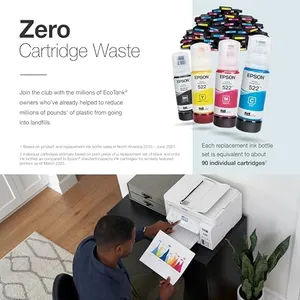
The Epson EcoTank ET-2803 is a versatile wireless color all-in-one printer that stands out for its innovative cartridge-free printing system. Instead of traditional cartridges, it uses high-capacity ink tanks which significantly reduce the cost of printing, claiming savings of up to 90% on replacement ink. This is particularly beneficial for users who do a lot of printing, as the ink bottles can last up to 2 years with typical use. The print quality is impressive, featuring Epson's Micro Piezo Heat-Free technology that produces sharp text and vibrant images with a high resolution of 5760 x 1440 dpi. This makes it suitable for both document and photo printing.

Rating
10.0
Chosen by1,453
Print Quality (Resolution)
Ink Tank Capacity
Connectivity Options

Most important from
19729 reviews

Print Quality (Resolution)
Print quality is high, producing sharp text and vibrant images, especially with quality photo paper.
Ink Tank Capacity
The huge ink refill bottles are a game-changer, eliminating the need for constant cartridge replacements.
Connectivity Options
Connecting to Wi-Fi might require using the 2G band, but once set up, it works seamlessly.
Paper Handling
Paper loading can be tricky, with a tendency to jam if overloaded, so keeping the tray lightly loaded is advisable.
Maintenance and Ease of Use
Setup is very easy and straightforward, making it a user-friendly option.
#2
9.7 score

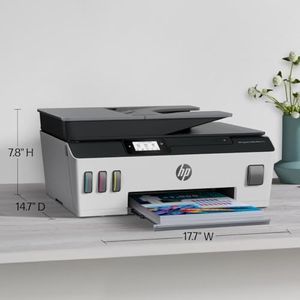
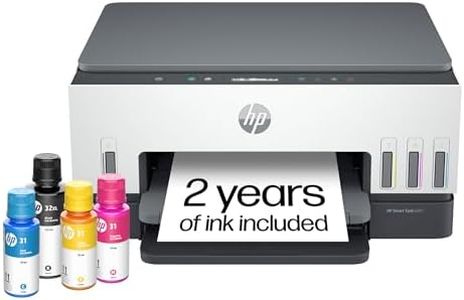
HP Smart Tank Plus 651 Wireless All-in-One Printer, Ink Tank Printer-for-Home Use, 2 Years of Ink Included Auto Document Feeder, Mobile Print, Scan, Copy, Fax, an EcoTank Alternative (7XV38A)

The HP Smart-Tank Plus 651 is a versatile all-in-one ink-tank printer, suitable for families or small offices requiring high-volume, low-cost printing. One of its standout features is the inclusion of up to 2 years' worth of ink, enabling you to print up to 8,000 color pages or 6,000 black pages without additional costs. This makes it highly economical for frequent use. The print quality is impressive, delivering crisp text and vibrant colors, ideal for everyday printing needs.

Rating
9.7
Print Quality (Resolution)
Ink Tank Capacity
Connectivity Options

Most important from
2186 reviews

Print Quality (Resolution)
Print quality is excellent, with sharp text and vibrant colors.
Ink Tank Capacity
The ink tanks save a lot of money compared to constantly buying replacement cartridges.
Connectivity Options
Wireless connectivity is a game-changer, allowing printing from anywhere in the home.
Duplex Printing
Manual duplex printing might be a deal-breaker for some, but it's easy to manage with prompts.
Maintenance and Ease of Use
Setup can be a bit confusing at first, but the benefits far outweigh this minor inconvenience.
#3
8.8 score

Epson EcoTank ET-4800 Wireless All-in-One Cartridge-Free Supertank Printer with Scanner, Copier, Fax, ADF and Ethernet – Ideal-for Your Home Office, White

The Epson EcoTank ET-4800 Wireless All-in-One Cartridge-Free Supertank Printer is a robust option for home offices, offering significant cost savings and environmental benefits thanks to its high-capacity ink tanks. This eliminates the need for frequent cartridge replacements, with ink capacity sufficient for up to 4,500 pages in black and 7,500 in color. The print quality is commendable, benefiting from Epson's Micro Piezo Heat-Free Technology, which ensures sharp text and vibrant color images on various paper types. Additionally, the printer boasts versatile connectivity options including wired Ethernet, Wi-Fi, and voice-activated printing, making it easy to print from multiple devices using the Epson Smart Panel App or Epson Email Print feature.

Rating
8.8
Print Quality (Resolution)
Ink Tank Capacity
Connectivity Options

Most important from
5453 reviews

Print Quality (Resolution)
For a home or small office printer, the ET-4800 delivers solid performance with crisp document print quality.
Ink Tank Capacity
Epson includes a generous amount of ink in the box—enough to last thousands of pages—which is a game-changer compared to traditional inkjet models.
Connectivity Options
The printer setup was extremely easy, and it communicated perfectly with the phone for the setup.
Duplex Printing
The printer offers two-sided printing, which is really handy.
Maintenance and Ease of Use
Setting up the printer is refreshingly simple, with a mess-free ink filling process.

Top 10 Best Ink Tank Printer 2026 in the United States

#1

Winner

10.0  score

Epson EcoTank ET-2803 Wireless Color All-in-One Cartridge-Free Supertank Printer with Scan, Copy and AirPrint Support
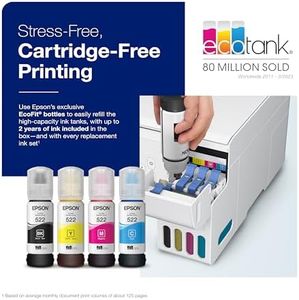
Print Quality (Resolution): 5760 x 1440 dpi
Print Speed: 10 ppm (mono), 5 ppm (color)
Ink Tank Capacity: 65 mL (Black, Cyan, Magenta, Yellow)
Connectivity Options: Wi-Fi, USB
Paper Handling: Max Input: 100 sheets, various sizes
Duplex Printing: No
Maintenance and Ease of Use: EcoFit ink bottles

Chosen by 1453 this week

Epson EcoTank ET-4800 Wireless All-in-One Cartridge-Free Supertank Printer with Scanner, Copier, Fax, ADF and Ethernet – Ideal-for Your Home Office, White

Print Quality (Resolution): Micro Piezo Technology
Print Speed: 10 ppm (mono), 5 ppm (color)
Ink Tank Capacity: 4,500 pages (black), 7,500 (color)
Connectivity Options: wired, Wi-Fi, voice-activated
Paper Handling: 100-sheet capacity
Duplex Printing: auto
Maintenance and Ease of Use: refillable ink tanks

Canon Megatank G3290 All-in-One Wireless Supertank [Megatank] Printer | Print, Copy Scan | Mobile Printing |2.7" LCD Color Touchscreen | Auto Duplex

Print Quality (Resolution): 4800x1200 dpi color, 1200 dpi B&W
Print Speed: 11 ppm B&W, 6 ppm color
Ink Tank Capacity: 6000 B&W or 7700 color pages
Connectivity Options: Wireless, USB
Paper Handling: 100-sheet tray, letter, legal, photo
Duplex Printing: Automatic
Maintenance and Ease of Use: Refillable ink, 2.7-inch touchscreen

Epson EcoTank ET-2800 Wireless Color All-in-One Cartridge-Free Supertank with Scan and Copy, The Ideal Basic Home Printer - White

Print Quality (Resolution): 5760 x 1440
Print Speed: 10 ppm (black), 5 ppm (color)
Ink Tank Capacity: 4,500 pages (black), 7,500 pages (color)
Connectivity Options: wired, wireless
Paper Handling: Max Input: 100 sheets, various sizes
Duplex Printing: Manual
Maintenance and Ease of Use: Cartridge-free, color display, easy navigation

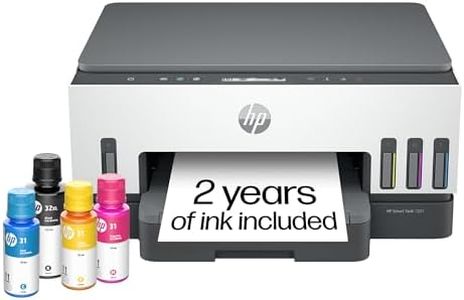
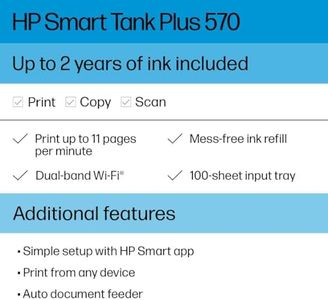
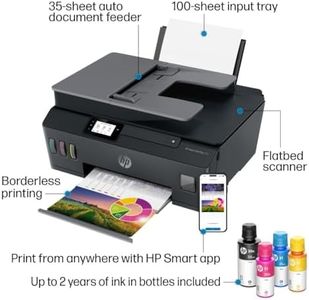
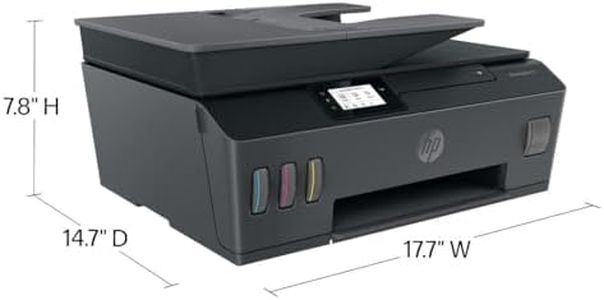
HP Smart Tank Plus 570 Wireless All-in-One Ink Tank Printer with up to 2 Years of Ink Included (5HX14A)
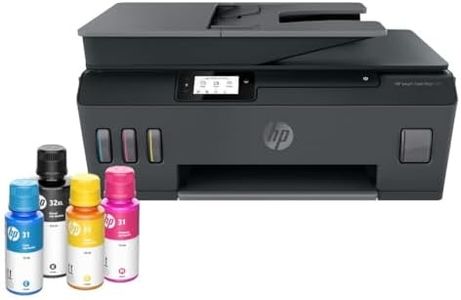
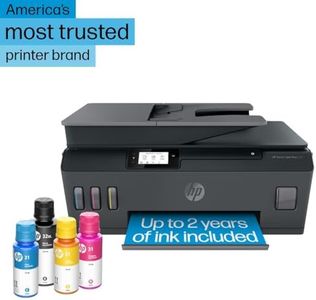
Print Quality (Resolution): 4800 x 1200 dpi
Print Speed: 11 ppm mono, 5 ppm color
Ink Tank Capacity: Up to 2 years ink
Connectivity Options: Wi-Fi, USB 2.0, 3.0, Type C, Ethernet
Paper Handling: 100 sheets max, 35-page feeder, envelopes
Duplex Printing: No
Maintenance and Ease of Use: Mess-free refill, 2.2-inch touchscreen

Epson EcoTank ET-2400 Wireless Color All-in-One Cartridge-Free Supertank Printer with Scan and Copy – Easy, Everyday Home Printing, Black

Print Quality (Resolution): 5760 x 1440 dpi
Print Speed: 10 ppm (mono), 5 ppm (color)
Ink Tank Capacity: 65 mL (Black, Cyan, Magenta, Yellow)
Connectivity Options: Wi-Fi, USB
Paper Handling: Max input: 100 sheets
Duplex Printing: Manual
Maintenance and Ease of Use: Easy-to-fill tanks, Epson app

Canon MegaTank G3270 All-in-One Wireless Inkjet Printer. for Home Use, Print, Scan and Copy,White
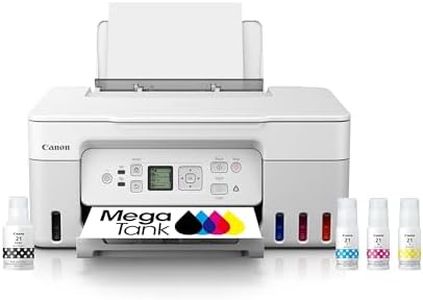
Print Quality (Resolution): 4800 x 1200 dpi
Print Speed: 11 ppm black, 6 ppm color
Ink Tank Capacity: 6,000 black, 7,700 color pages
Connectivity Options: Wi-Fi, USB
Paper Handling: 100-sheet tray, up to legal size
Duplex Printing: No
Maintenance and Ease of Use: Refillable tanks, energy-efficient design

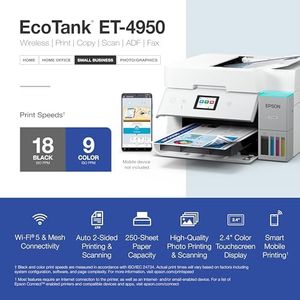
Epson EcoTank ET-4950 Wireless All-in-One Color Supertank Printer with up to 3 Years of Ink Refillable Tanks, Perfect for Office, 18 PPM, 2.4" Colorful Touchscreen, Auto Document Feeder - White
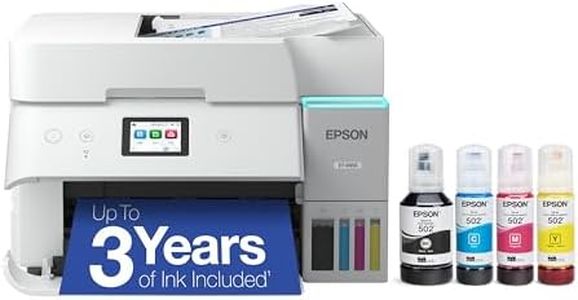
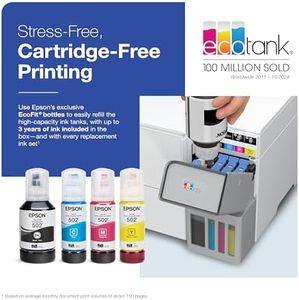
Print Quality (Resolution): 4800 x 1200 dpi
Print Speed: 18 ppm black, 9 ppm color
Ink Tank Capacity: 6,600 black, 5,500 color pages
Connectivity Options: USB, Ethernet, Wi-Fi
Paper Handling: 250-sheet tray, letter and legal
Duplex Printing: Automatic
Maintenance and Ease of Use: Durable printhead, mess-free refill

Canon MegaTank MAXIFY GX2020 All-in-One Wireless Color Printer – Print, Copy, Scan with Duplex Printing – Refillable Tank System, Compact Desktop Design – Wireless Print Scan Copy for Home & Office
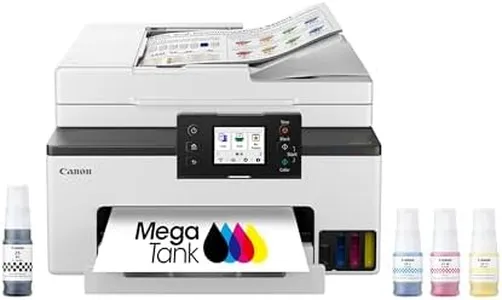
Print Quality (Resolution): 1200x2400 dpi B&W, 600x1200 dpi Color
Print Speed: 15 ppm B&W, 10 ppm Color
Ink Tank Capacity: Up to 3,000 pages per fill
Connectivity Options: USB, LAN, Wi-Fi 2.4/5 GHz
Paper Handling: 2 trays, 250 sheets, 35-sheet ADF
Duplex Printing: Automatic
Maintenance and Ease of Use: 2.7-inch touchscreen, large tanks
How do we rank products for you?

Our technology thoroughly searches through the online shopping world, reviewing hundreds of sites. We then process and analyze this information, updating in real-time to bring you the latest top-rated products. This way, you always get the best and most current options available.

headphones-stars

Buying Guide for the Best Ink Tank Printer

Choosing the right ink-tank printer can be a game-changer for your printing needs, whether for home, office, or professional use. Ink-tank printers are known for their cost-efficiency and high-volume printing capabilities. To make an informed decision, you need to understand the key specifications and how they align with your specific requirements.
Print Quality (Resolution)Print quality, measured in dots per inch (DPI), determines the clarity and detail of the printed output. Higher DPI values mean better print quality. For general home use, a resolution of 600 x 600 DPI is usually sufficient. For professional documents or photo printing, look for printers with 1200 x 1200 DPI or higher. Consider your primary use: if you need sharp, detailed images, opt for a higher resolution.
Print SpeedPrint speed, measured in pages per minute (PPM), indicates how quickly a printer can produce documents. For occasional home use, a speed of 10-15 PPM is adequate. For office environments where large volumes of printing are required, look for speeds of 20 PPM or more. Assess your typical printing volume and choose a printer that can handle your workload efficiently.
Ink Tank CapacityInk tank capacity refers to the amount of ink the printer can hold, which affects how often you need to refill it. Larger tanks are ideal for high-volume printing as they reduce the frequency of refills. For home use, a smaller capacity may suffice, but for office or professional use, larger tanks will be more convenient and cost-effective in the long run. Consider your printing frequency and choose a capacity that minimizes interruptions.
Connectivity OptionsConnectivity options determine how you can connect your printer to other devices. Common options include USB, Wi-Fi, and Ethernet. Wi-Fi connectivity is great for wireless printing from multiple devices, while Ethernet is ideal for a stable, wired connection in an office setting. USB is a straightforward option for direct connections. Think about your setup and how you prefer to send print jobs to the printer.
Paper HandlingPaper handling capabilities include the types and sizes of paper the printer can accommodate, as well as the capacity of the input and output trays. For general use, a printer that handles standard letter and legal sizes is sufficient. If you need to print on different media like envelopes, labels, or photo paper, ensure the printer supports these formats. Also, consider the tray capacity to avoid frequent paper loading, especially in high-volume environments.
Duplex PrintingDuplex printing allows the printer to print on both sides of the paper automatically. This feature is important for saving paper and creating professional-looking documents. For home use, manual duplexing might be acceptable, but for office use, automatic duplexing is more efficient and convenient. Evaluate how often you need double-sided prints and choose accordingly.
Maintenance and Ease of UseMaintenance and ease of use refer to how simple it is to operate and maintain the printer. Look for features like easy-to-refill ink tanks, user-friendly interfaces, and clear instructions. Some printers come with maintenance kits or self-cleaning functions. Consider how much time and effort you are willing to invest in maintaining the printer and choose one that fits your comfort level.

FAQ