10 Best Macbook Pro Docks 2026 in the United States
Winner
Anker Prime Docking Station, 14-Port with 160W Max Output, 10Gbps Fast Data Transfer, Real-Time Smart Interface, Audio and Ethernet Ports, Dual 4K Displays for Dell, HP, Lenovo and More
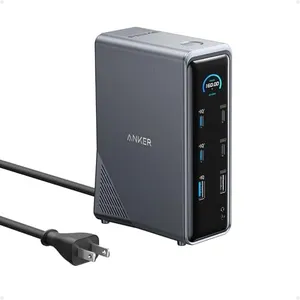
The Anker Prime Docking Station offers an impressive 14 ports, making it a versatile option for those needing multiple connections. With a powerful 160W total output, it can charge up to four devices at once, which is great for users with multiple peripherals. The data transfer speeds of up to 10Gbps mean quick file transfers, reducing waiting times.
Most important from
536 reviews
Anker Laptop Docking Station Dual Monitor, 8-in-1 USB C Hub, 4K Dual Monitor with 2 HDMI, 1 Gbps Ethernet Hub, 85W Power Delivery, SD Card Reader, for XPS and More (Charger not Included)
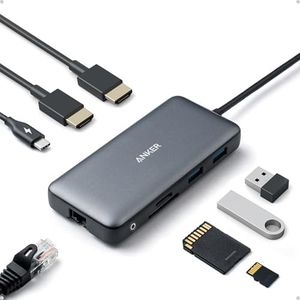
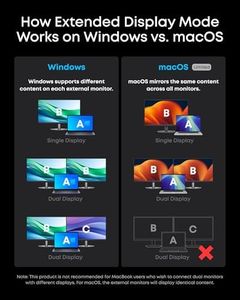
The Anker Laptop Docking Station is a versatile 8-in-1 USB-C hub designed to expand the capabilities of your MacBook Pro and other compatible laptops. It offers a strong selection of ports including 2 HDMI outputs, USB-A ports, Ethernet, and SD/microSD card readers, which covers most connectivity needs for work or entertainment. The dual HDMI ports support 4K resolution, although on macOS both external displays will mirror the same image rather than acting as separate screens, which might be a drawback if you need dual extended displays.
Most important from
6272 reviews
CalDigit TS5 Plus - Thunderbolt 5 Dock - 20 Port,10GbE, 140W Dedicated Host Charging, Thunderbolt 5 x3, USB 10Gb/s x10, Dual USB Controllers, Up to Dual 8K 60Hz Displays, 1.0m Braided Cable, 330W PSU
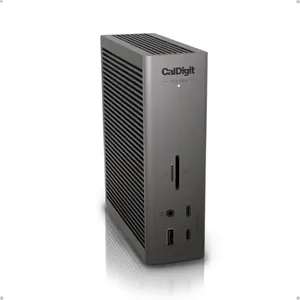
The CalDigit TS5 Plus is a powerful docking station designed especially for MacBook Pro users who need extensive connectivity. It offers an impressive range of 20 ports including three super-fast Thunderbolt 5 ports and ten USB ports (both USB-A and USB-C) that support data transfer speeds up to 10Gb/s. This means you can connect multiple high-speed devices without worrying about slowdowns, thanks to its unique dual USB controllers that split the data load efficiently.
Most important from
187 reviews
Top 10 Best Macbook Pro Docks 2026 in the United States
Winner
Anker Prime Docking Station, 14-Port with 160W Max Output, 10Gbps Fast Data Transfer, Real-Time Smart Interface, Audio and Ethernet Ports, Dual 4K Displays for Dell, HP, Lenovo and More



Anker Prime Docking Station, 14-Port with 160W Max Output, 10Gbps Fast Data Transfer, Real-Time Smart Interface, Audio and Ethernet Ports, Dual 4K Displays for Dell, HP, Lenovo and More
Chosen by 1162 this week
Anker Laptop Docking Station Dual Monitor, 8-in-1 USB C Hub, 4K Dual Monitor with 2 HDMI, 1 Gbps Ethernet Hub, 85W Power Delivery, SD Card Reader, for XPS and More (Charger not Included)


Anker Laptop Docking Station Dual Monitor, 8-in-1 USB C Hub, 4K Dual Monitor with 2 HDMI, 1 Gbps Ethernet Hub, 85W Power Delivery, SD Card Reader, for XPS and More (Charger not Included)
CalDigit TS5 Plus - Thunderbolt 5 Dock - 20 Port,10GbE, 140W Dedicated Host Charging, Thunderbolt 5 x3, USB 10Gb/s x10, Dual USB Controllers, Up to Dual 8K 60Hz Displays, 1.0m Braided Cable, 330W PSU
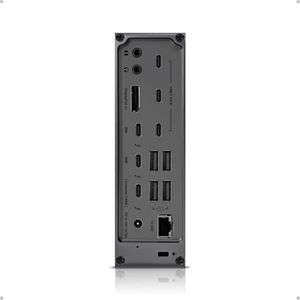
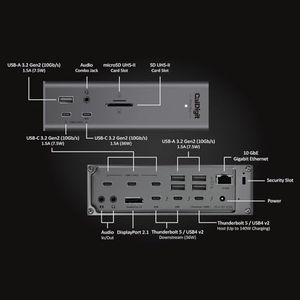
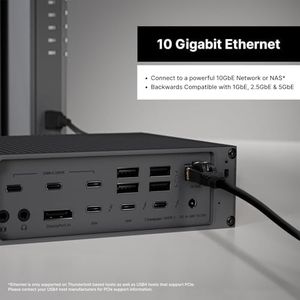
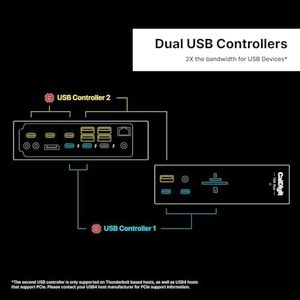
CalDigit TS5 Plus - Thunderbolt 5 Dock - 20 Port,10GbE, 140W Dedicated Host Charging, Thunderbolt 5 x3, USB 10Gb/s x10, Dual USB Controllers, Up to Dual 8K 60Hz Displays, 1.0m Braided Cable, 330W PSU
Anker Prime TB5 Docking Station, 14-in-1 Thunderbolt 5 Dock with 120Gbps Max Transfer, Thunderbolt Dock with 140W Max Charging, Cooling System, Up to 8K, Dual Display for TBT 5/4 Laptops
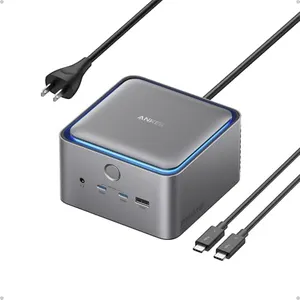
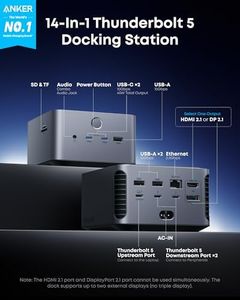
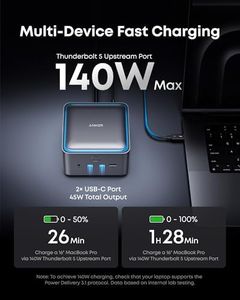
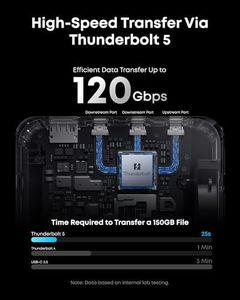
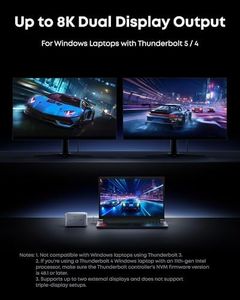
Anker Prime TB5 Docking Station, 14-in-1 Thunderbolt 5 Dock with 120Gbps Max Transfer, Thunderbolt Dock with 140W Max Charging, Cooling System, Up to 8K, Dual Display for TBT 5/4 Laptops
Anker Prime Docking Station (DL7400), 14-Port Triple Display with DisplayLink, 140W Max, Smart Display, Triple 4K 60Hz, Cooling Fan, for macOS and Windows (The Latest DisplayLink Driver Required)
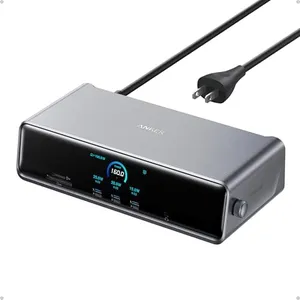

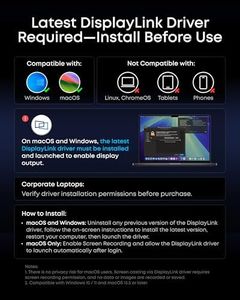

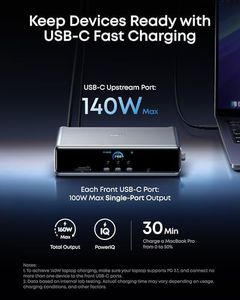
Anker Prime Docking Station (DL7400), 14-Port Triple Display with DisplayLink, 140W Max, Smart Display, Triple 4K 60Hz, Cooling Fan, for macOS and Windows (The Latest DisplayLink Driver Required)
Related Products
Up to 30% off
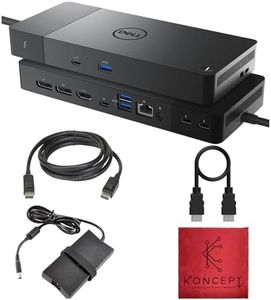
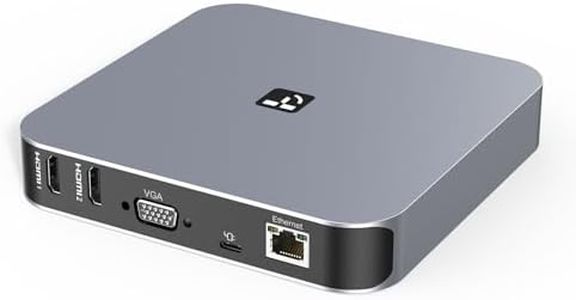
TobenONE DisplayLink Docking Station Triple Monitor with 120W Power Adapter, Triple 4K Display for MacBook Pro/Air, Thunderbolt 4/3, USB-C Windows(3X HDMI, 3X DP, 2xUSB-C, 4xUSB 3.2, SD/TF)
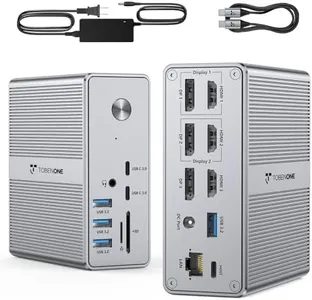
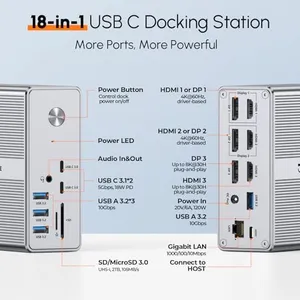
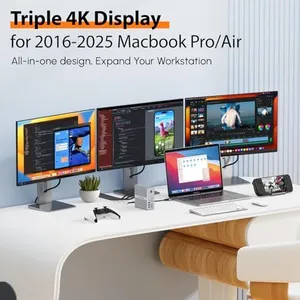
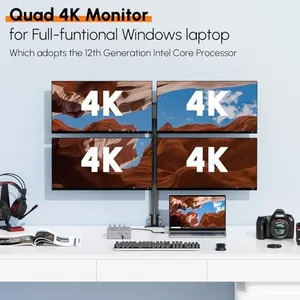
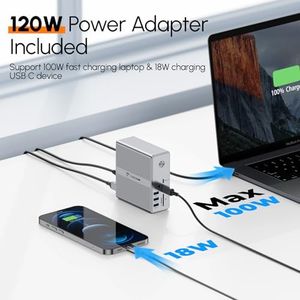
TobenONE DisplayLink Docking Station Triple Monitor with 120W Power Adapter, Triple 4K Display for MacBook Pro/Air, Thunderbolt 4/3, USB-C Windows(3X HDMI, 3X DP, 2xUSB-C, 4xUSB 3.2, SD/TF)
CalDigit TS5 - Thunderbolt 5 Dock - 15 Port, 140W Dedicated Host Charging, 80Gb/s Thunderbolt 5 x4, USB-C 10Gb/s x3, USB-A x2, 2.5GbE, Dual 8K@60Hz, SD & microSD UHS-II, 1m Braided Cable, 240W PSU
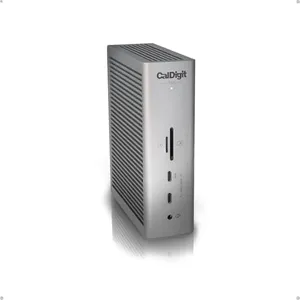
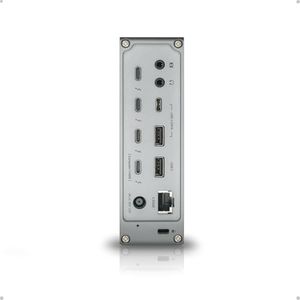
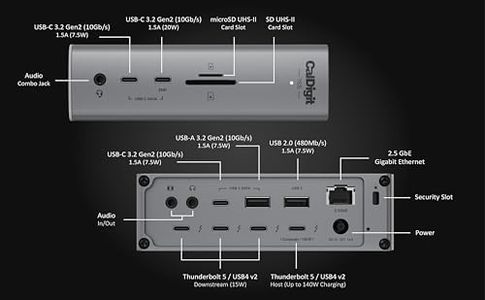
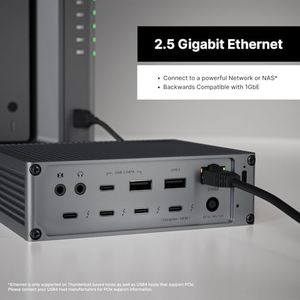
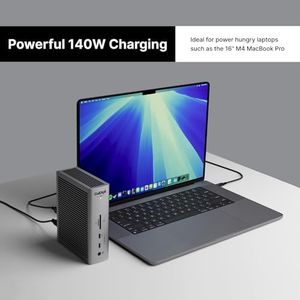
CalDigit TS5 - Thunderbolt 5 Dock - 15 Port, 140W Dedicated Host Charging, 80Gb/s Thunderbolt 5 x4, USB-C 10Gb/s x3, USB-A x2, 2.5GbE, Dual 8K@60Hz, SD & microSD UHS-II, 1m Braided Cable, 240W PSU
Plugable USB C Laptop Docking Station, Dual Monitor 4K 60Hz for Apple Mac M1/M2/M3/M4/M5, 2X HDMI or DisplayPort for MacBook, 100W Charging DisplayLink Dock, Driver Install Required (UD-6950PDH)
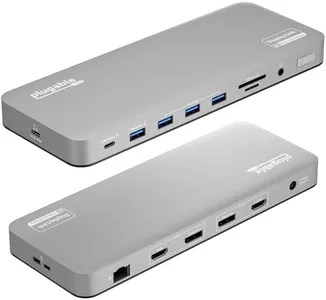
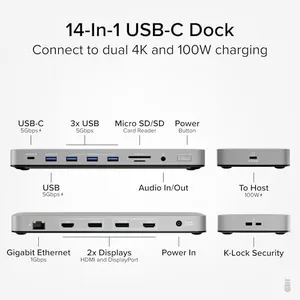
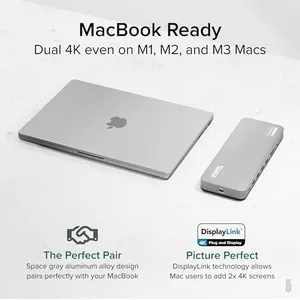
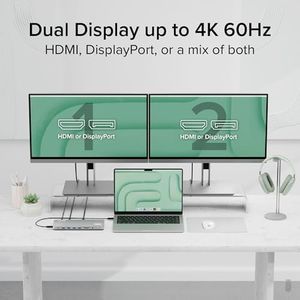
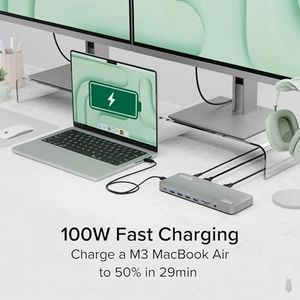
Plugable USB C Laptop Docking Station, Dual Monitor 4K 60Hz for Apple Mac M1/M2/M3/M4/M5, 2X HDMI or DisplayPort for MacBook, 100W Charging DisplayLink Dock, Driver Install Required (UD-6950PDH)
Plugable USB-C Triple Monitor Docking Station: 13-in-1 Laptop Dock with 100W Charging for Mac (DisplayLink Driver Required), Windows, Chrome, 3 HDMI, Gigabit Ethernet, SD, USB-C 20W, 4 USB - UD-ULTCDL
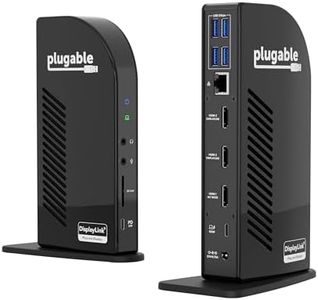


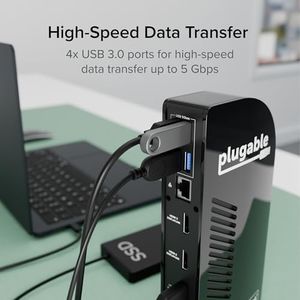
Plugable USB-C Triple Monitor Docking Station: 13-in-1 Laptop Dock with 100W Charging for Mac (DisplayLink Driver Required), Windows, Chrome, 3 HDMI, Gigabit Ethernet, SD, USB-C 20W, 4 USB - UD-ULTCDL
Kensington SD5900T DisplayLink Docking Station Thunderbolt 4, Quad 4K for MacBook Pro/Air M1/M2/M3/M4 with Pro and Max Chipsets, 100W PD, HDMI/DP/TB4, SD/Micro SD Card Slots - Midnight Blue (K35232NA)
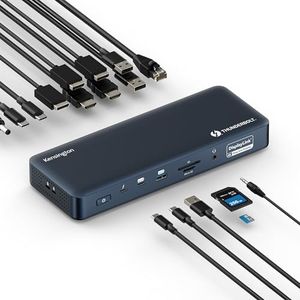



Kensington SD5900T DisplayLink Docking Station Thunderbolt 4, Quad 4K for MacBook Pro/Air M1/M2/M3/M4 with Pro and Max Chipsets, 100W PD, HDMI/DP/TB4, SD/Micro SD Card Slots - Midnight Blue (K35232NA)
Our technology thoroughly searches through the online shopping world, reviewing hundreds of sites. We then process and analyze this information, updating in real-time to bring you the latest top-rated products. This way, you always get the best and most current options available.
