10 Best Monitors For Graphic Design 2026 in the United States
Winner
Dell 32 Plus 4K QD-OLED Monitor S3225QC - 31.6-inch (3840 x 2160) 120Hz 0.03ms Display, AI-Enhanced 3D Spatial Audio, Height/Tilt/Swivel/Slant Adjustment - Ash White
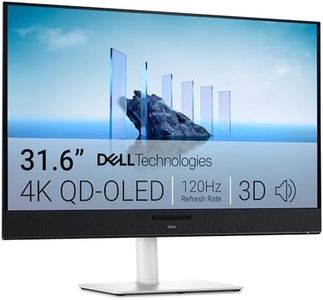
The Dell 32 Plus 4K QD-OLED Monitor (S3225QC) is a strong choice for graphic designers who need a large, high-quality display. Its 31.6-inch screen offers a sharp 4K UHD resolution, which means plenty of space and detail for working on visuals. The QD-OLED panel type is excellent for rich, vibrant colors and deep blacks, making images look more lifelike. With 99% DCI-P3 color coverage, it delivers accurate color reproduction, crucial for design work where color precision matters.
Most important from
57 reviews
BenQ PD3225U 32 Inch 4K IPS Black UHD Thunderbolt Monitor for MacBook, AQCOLOR, 98% P3, 100% sRGB & Rec.709, DeltaE ≤2, Uniformity, Factory Calibration, USB-C 85W, USB Hub, Daisy Chain, KVM Switch

The BenQ PD3225U is a 32-inch 4K monitor well-suited for graphic designers, especially those using MacBooks. With its high resolution of 3840 x 2160 pixels, it offers crisp and detailed visuals. The IPS panel type ensures wide viewing angles and accurate color reproduction, which is essential for design work. The monitor boasts excellent color accuracy with 98% P3 and 100% sRGB coverage, and a Delta E ≤ 2, ensuring that colors appear true to life. Its factory calibration and Pantone Validated and Calman verified color technologies further enhance its appeal for professional use.
Most important from
66 reviews
Dell 34 Plus USB-C Curved Monitor - S3425DW - 34-inch (3440 x 1440) up to 120 Hz 21:9 Display, VA Panel, AMD FreeSync Premium, 99% sRGB, 95% DCI-P3, Integrated Speakers, 3000:1 Contrast Ratio
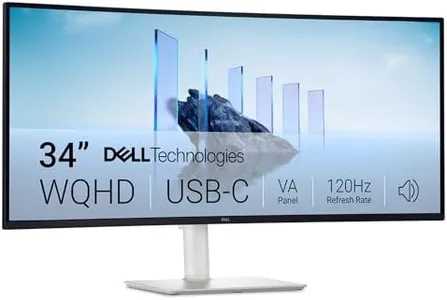
The Dell 34 Plus USB-C Curved Monitor (S3425DW) is a strong option for graphic designers who want a large, immersive workspace with a 34-inch ultrawide display at a sharp 3440 x 1440 resolution. The 21:9 aspect ratio gives extra horizontal space, which is great for multitasking and detailed design work. Its VA panel provides deep contrast (3000:1), which helps images pop with good depth and detail, especially when paired with HDR readiness. The color accuracy is solid with 99% sRGB and 95% DCI-P3 coverage, meaning colors will appear vibrant and fairly true-to-life for most projects. However, VA panels traditionally have slower response times and less consistent color viewing angles compared to IPS panels, which professionals often prefer for critical color work.
Most important from
315 reviews
Top 10 Best Monitors For Graphic Design 2026 in the United States
Winner
Dell 32 Plus 4K QD-OLED Monitor S3225QC - 31.6-inch (3840 x 2160) 120Hz 0.03ms Display, AI-Enhanced 3D Spatial Audio, Height/Tilt/Swivel/Slant Adjustment - Ash White
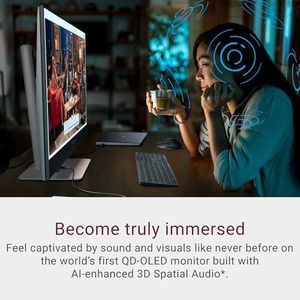

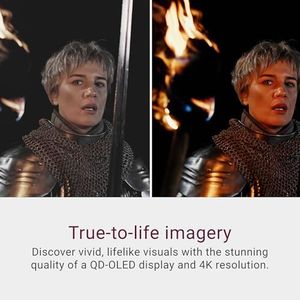
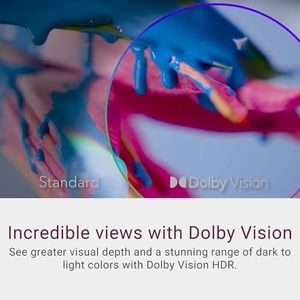
Dell 32 Plus 4K QD-OLED Monitor S3225QC - 31.6-inch (3840 x 2160) 120Hz 0.03ms Display, AI-Enhanced 3D Spatial Audio, Height/Tilt/Swivel/Slant Adjustment - Ash White
Chosen by 1453 this week
BenQ PD3225U 32 Inch 4K IPS Black UHD Thunderbolt Monitor for MacBook, AQCOLOR, 98% P3, 100% sRGB & Rec.709, DeltaE ≤2, Uniformity, Factory Calibration, USB-C 85W, USB Hub, Daisy Chain, KVM Switch
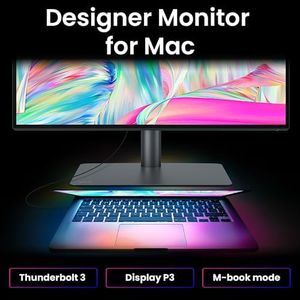
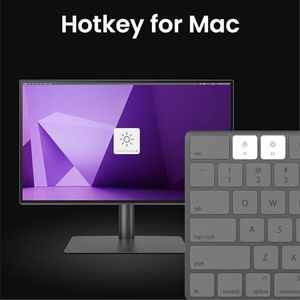

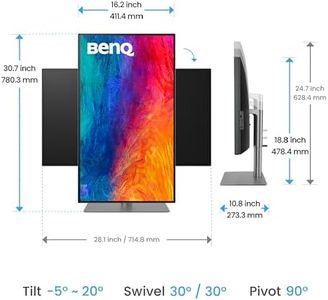
BenQ PD3225U 32 Inch 4K IPS Black UHD Thunderbolt Monitor for MacBook, AQCOLOR, 98% P3, 100% sRGB & Rec.709, DeltaE ≤2, Uniformity, Factory Calibration, USB-C 85W, USB Hub, Daisy Chain, KVM Switch
Dell 34 Plus USB-C Curved Monitor - S3425DW - 34-inch (3440 x 1440) up to 120 Hz 21:9 Display, VA Panel, AMD FreeSync Premium, 99% sRGB, 95% DCI-P3, Integrated Speakers, 3000:1 Contrast Ratio
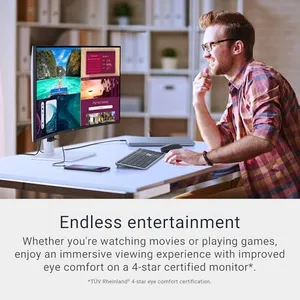
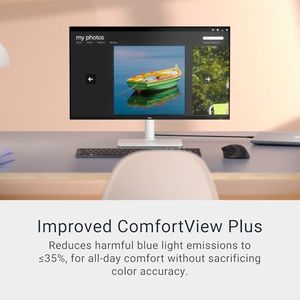
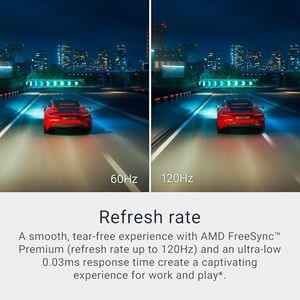
Dell 34 Plus USB-C Curved Monitor - S3425DW - 34-inch (3440 x 1440) up to 120 Hz 21:9 Display, VA Panel, AMD FreeSync Premium, 99% sRGB, 95% DCI-P3, Integrated Speakers, 3000:1 Contrast Ratio
Alienware AW3423DWF Curved QD-OLED Gaming Monitor - 34-inch Quantum Dot OLED 0.1Ms 165Hz 21:9 Curved Display, 99.3% DCI-P3 Color Gamut, VESA DisplayHDR True Black 400, AMD FreeSync Premium Pro - Black


Alienware AW3423DWF Curved QD-OLED Gaming Monitor - 34-inch Quantum Dot OLED 0.1Ms 165Hz 21:9 Curved Display, 99.3% DCI-P3 Color Gamut, VESA DisplayHDR True Black 400, AMD FreeSync Premium Pro - Black
Dell 27 Plus 4K USB-C Monitor - S2725QC - 27-inch 4K (3840 x 2160) 120Hz 16:9 Display, AMD FreeSync Premium, sRGB 99%, Integrated Speakers, 1500:1 Contrast Ratio, Comfortview - Ash White

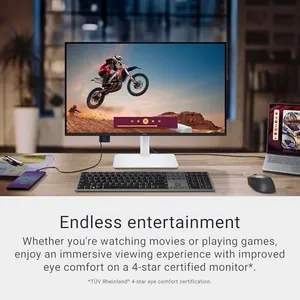
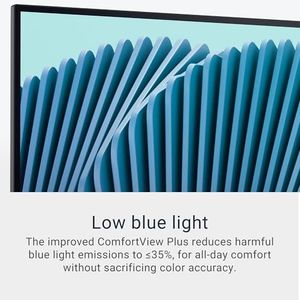
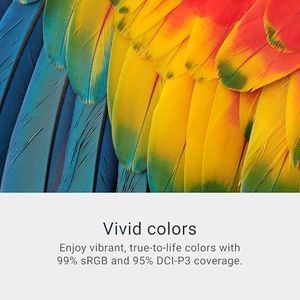
Dell 27 Plus 4K USB-C Monitor - S2725QC - 27-inch 4K (3840 x 2160) 120Hz 16:9 Display, AMD FreeSync Premium, sRGB 99%, Integrated Speakers, 1500:1 Contrast Ratio, Comfortview - Ash White
Related Products
Up to 36% off
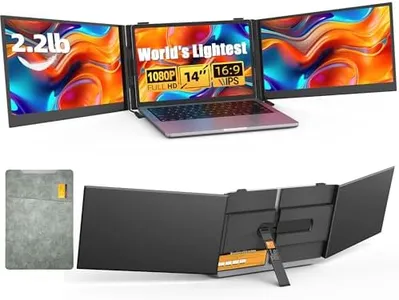
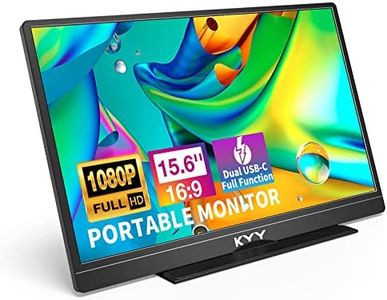
![KYY Portable Monitor 15.6'' 1080P FHD USB-C Laptop Monitors w/Smart Cover & Dual Speaker, HDMI Computer Display IPS HDR External Gaming Monitor for PC Phone Mac Xbox PS4 Switch[Upgraded]](https://images-proxy.bestreviews.guide/vIFCv2uEYZPAF0MgqvliERFQqO8=/0x300/https://m.media-amazon.com/images/I/41CdBgZtF7L._AC_CX679_.jpg)

LG 34GS95QE 34-inch Ultragear OLED Curved Gaming Monitor WQHD 1440p 800R 240Hz 0.03ms AMD FreeSync Premium Pro NVIDIA G-Sync HDMI 2.1 DisplayPort Tilt/Height/Swivel Stand Black
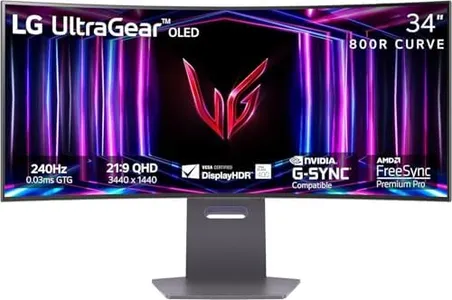
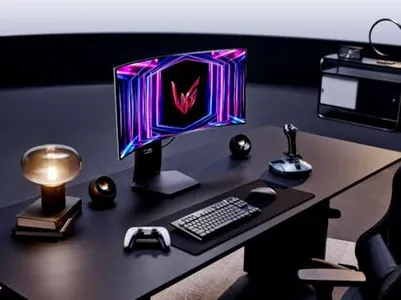
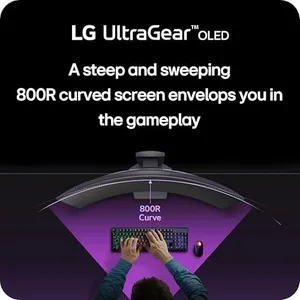


LG 34GS95QE 34-inch Ultragear OLED Curved Gaming Monitor WQHD 1440p 800R 240Hz 0.03ms AMD FreeSync Premium Pro NVIDIA G-Sync HDMI 2.1 DisplayPort Tilt/Height/Swivel Stand Black
Dell 32 Plus 4K Monitor - S3225QS - 31.5-inch 4K (3840 x 2160) up to 120Hz 16:9 Display, VA Panel, AMD FreeSync Premium, 99% sRGB, 95% DCI-P3, 1500:1 Contrast Ratio, Comfortview - Ash White

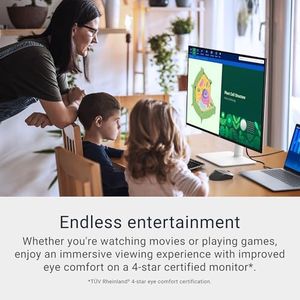
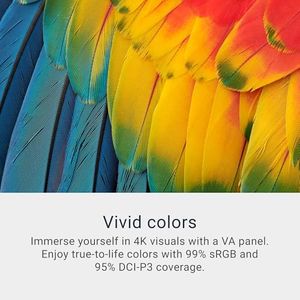
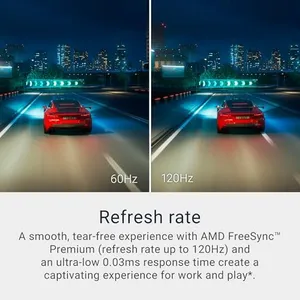
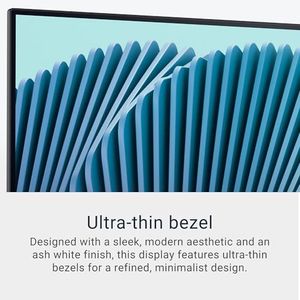
Dell 32 Plus 4K Monitor - S3225QS - 31.5-inch 4K (3840 x 2160) up to 120Hz 16:9 Display, VA Panel, AMD FreeSync Premium, 99% sRGB, 95% DCI-P3, 1500:1 Contrast Ratio, Comfortview - Ash White
Dell 27 Plus 4K Monitor - S2725QS - 27-inch 4K (3840 x 2160) 120Hz 16:9 Display, IPS Panel, AMD FreeSync Premium, sRGB 99%, Integrated Speakers, 1500:1 Contrast Ratio, Comfortview - Ash White

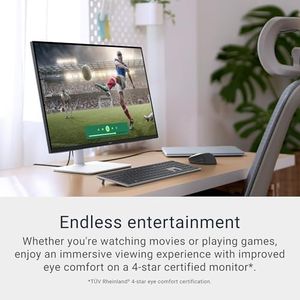
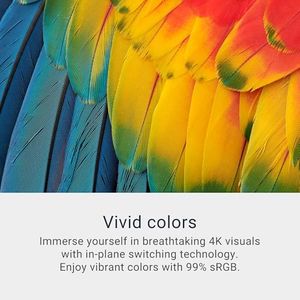
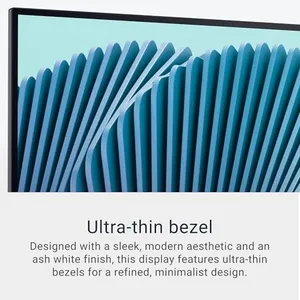
Dell 27 Plus 4K Monitor - S2725QS - 27-inch 4K (3840 x 2160) 120Hz 16:9 Display, IPS Panel, AMD FreeSync Premium, sRGB 99%, Integrated Speakers, 1500:1 Contrast Ratio, Comfortview - Ash White
Apple 32-inch Pro Display XDR with Retina 6K Display - Standard Glass
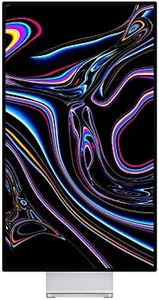
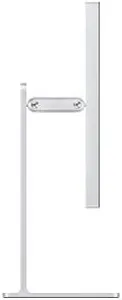
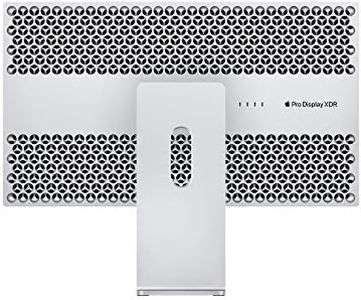
Apple 32-inch Pro Display XDR with Retina 6K Display - Standard Glass
Samsung 32-Inch Flat Computer Monitor, 75Hz, Borderless Display, AMD FreeSync, Game Mode, Advanced Eye Care, HDMI and DisplayPort, LS32B304NWNXGO, 2024
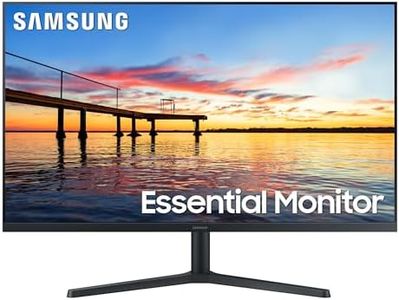
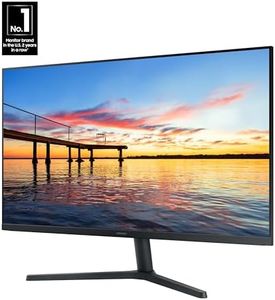
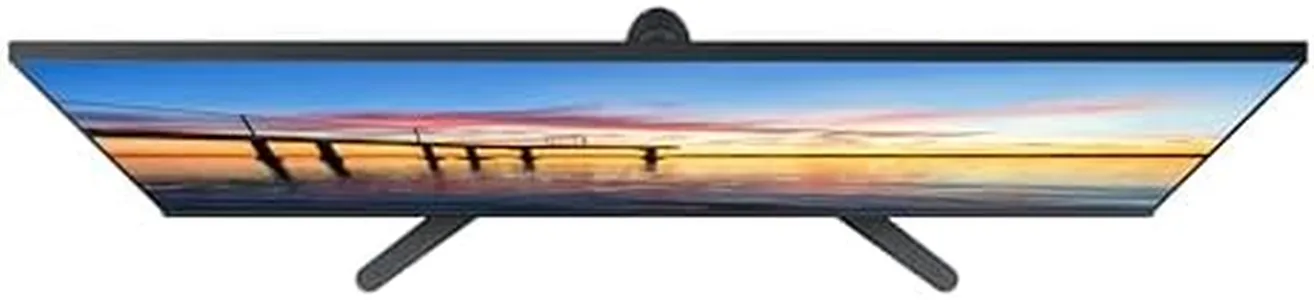
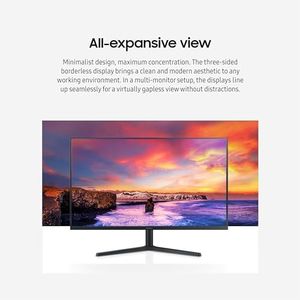
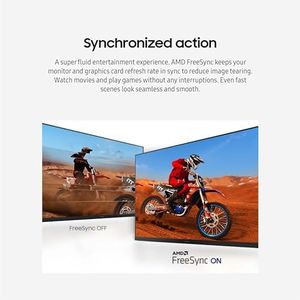
Samsung 32-Inch Flat Computer Monitor, 75Hz, Borderless Display, AMD FreeSync, Game Mode, Advanced Eye Care, HDMI and DisplayPort, LS32B304NWNXGO, 2024
Recommended lists

Graphic Design Books
Our technology thoroughly searches through the online shopping world, reviewing hundreds of sites. We then process and analyze this information, updating in real-time to bring you the latest top-rated products. This way, you always get the best and most current options available.
