We Use CookiesWe use cookies to enhance the security, performance, functionality and for analytical and promotional activities. By continuing to browse this site you are agreeing to our privacy policy

10 Best Photography Printers 2026 in the United States

#1

Winner

10.0 score

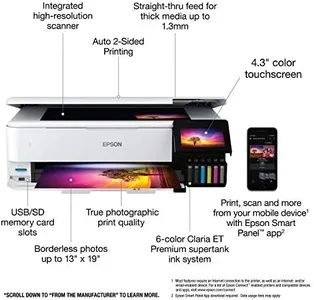
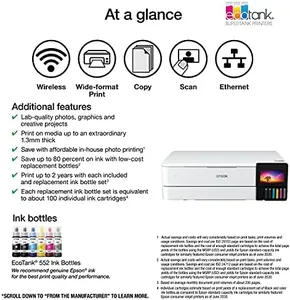
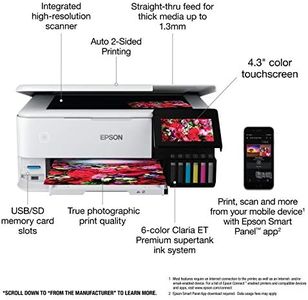
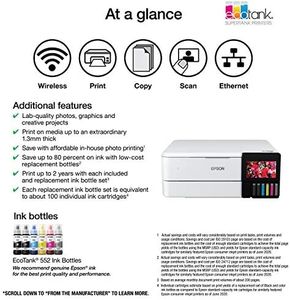
Epson EcoTank Photo ET-8550 Wireless Wide-format Color All-in-One Supertank Printer with Scanner Copier, Ethernet and 4.3-inch Colorfull Touchscreen

The Epson EcoTank Photo ET-8550 is a solid choice for photography enthusiasts and professionals looking for high-quality prints without the hassle of traditional ink cartridges. With its impressive print resolution and color accuracy, it produces vibrant, lab-quality photos, making it suitable for creative projects and professional use alike. The ability to print borderless photos up to 13" x 19" further enhances its appeal, especially for those who work with larger formats.

Rating
10.0
Chosen by1,406
Print Resolution
Color Accuracy
Ink Type

Most important from
2286 reviews

Print Resolution
Prints come out fast and don't smudge, with lines that are crisp and true to the original.
Color Accuracy
The gloss prints on Epson ultra premium paper are the finest gloss prints ever seen.
Ink Type
Ink tanks are huge, transparent, and last a long time, making ink management a breeze.
Connectivity Options
The wireless print function is amazing; printing a 4x6 from a phone in a few clicks is incredibly convenient.
Paper Handling
This printer can handle many different materials like sticker paper, cardstock, and holographic paper with great accuracy.
#2
8.8 score

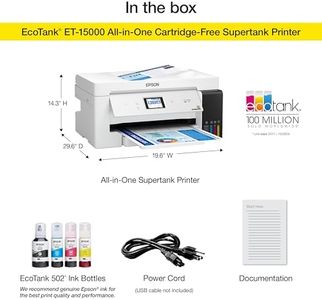
Epson EcoTank ET-15000 Wireless Color All-in-One Supertank Printer with Scanner, Copier, Fax, Ethernet and Printing up to 13 x 19 Inches, White

The Epson EcoTank ET-15000 is a versatile all-in-one printer well-suited for photography enthusiasts and small businesses needing high-quality prints. One of its standout features is the innovative cartridge-free printing system, which utilizes high-capacity ink tanks. This approach significantly reduces ink costs, with potential savings of up to 90% compared to traditional cartridges, making it economical for those who print frequently. The printer comes with enough ink for up to two years, ensuring minimal interruptions for replacements.

Rating
8.8
Color Accuracy
Ink Type
Print Size

Most important from
2385 reviews

Color Accuracy
The color of prints is vibrant and the print size area is large, making it great for small businesses.
Ink Type
Loading ink is straightforward, and the printer can handle paper sizes up to 13 x 19 inches.
Print Size
The color of prints is vibrant and the print size area is large, making it great for small businesses.
#3
7.9 score

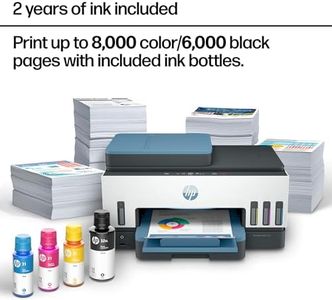
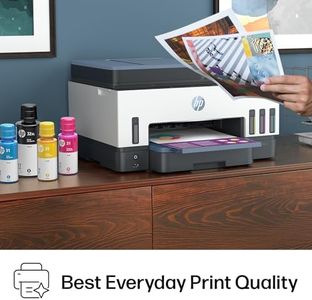
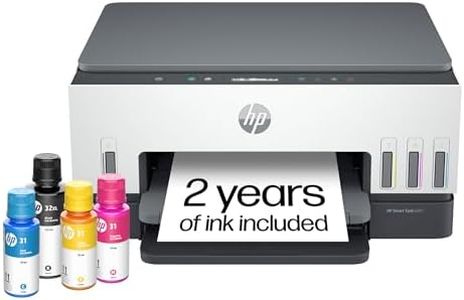
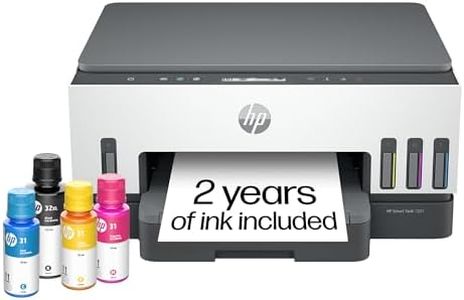
HP Smart Tank 7602 Wireless All-in-One Ink Tank Printer, Scanner, Copier with 2 Years of Ink Included, Best-for-Home Office, Cartridge-Free Refillable, AI-Enabled (28B98A)

The HP Smart Tank 7602 is a versatile all-in-one inkjet printer designed mainly for home and small office use, delivering good photo and document printing capabilities. It offers a high print resolution of up to 4800 x 1200 dpi for color prints, which helps in producing sharp, vivid photos with true-to-life colors, suitable for casual photography needs. The printer uses pigment-based black ink for durability and dye-based color inks that provide bright, rich tones, balancing quality and cost. It supports various photo sizes up to 8.5 x 14 inches, including popular photo formats, making it flexible for printing snapshots and small projects. Print speeds are decent, with about 15 pages per minute in black and 9 ppm in color, which is reasonable for home use but may feel slow if you print a lot of photos regularly.

Rating
7.9
Color Accuracy
Ink Type
Print Speed

Most important from
1910 reviews

Color Accuracy
Color print quality is impressive, producing sharp and vibrant photos that exceed expectations for a home inkjet printer.
Ink Type
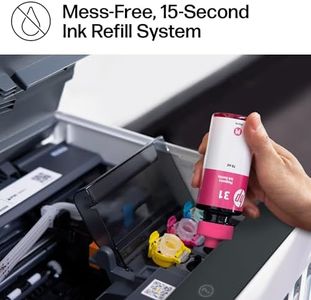
Refilling ink is incredibly easy and mess-free, with bottles supplying enough ink for about two years, making ongoing costs very economical.
Print Speed
While not suited for high-speed or professional photo printing, the device meets everyday home and small office printing needs with balanced speed and quality.
Connectivity Options
Wireless setup and mobile printing work seamlessly, with the HP Smart app providing a straightforward and reliable connection experience.
Paper Handling
The printer handles specialty media like greeting card stock effortlessly, with simple paper selection and consistently good print results.

Top 10 Best Photography Printers 2026 in the United States
Epson EcoTank ET-15000 Wireless Color All-in-One Supertank Printer with Scanner, Copier, Fax, Ethernet and Printing up to 13 x 19 Inches, White

Print Resolution: excellent
Ink Type: high-capacity ink tanks
Print Size: 13 x 19 inches
Print Speed: 17 ppm (mono), 9 ppm (color)
Connectivity Options: Wi-Fi, Ethernet, mobile printing
Paper Handling: auto-duplex, 2 trays, max 250 sheets

HP Smart Tank 7602 Wireless All-in-One Ink Tank Printer, Scanner, Copier with 2 Years of Ink Included, Best-for-Home Office, Cartridge-Free Refillable, AI-Enabled (28B98A)

Print Resolution: 4800x1200 dpi color, 1200x1200 dpi B/W
Ink Type: Pigment black; Dye color
Print Size: up to 8.5 x 14 inches
Print Speed: 15 ppm black, 9 ppm color
Connectivity Options: Wireless, Wi-Fi, USB, Ethernet, AirPrint
Paper Handling: 250-sheet tray, 35-page feeder

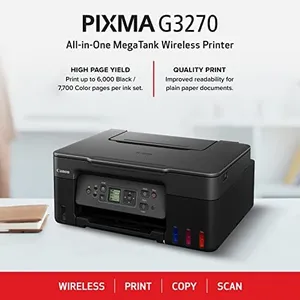
Canon MegaTank G3270 All-in-One Wireless Inkjet Printer, Home Use, Print, Scan and Copy

Print Resolution: 4800 x 1200
Ink Type: refillable MegaTank ink
Print Size: up to 8.5 x 14 inches
Print Speed: 11 ppm mono, 6 ppm color
Connectivity Options: Wi-Fi, USB
Paper Handling: 1 tray, 100 sheets, borderless

Epson EcoTank Photo ET-8500 Wireless Color All-in-One Supertank Printer with Scanner Copier, Ethernet and 4.3-inch Colorfull Touchscreen - White
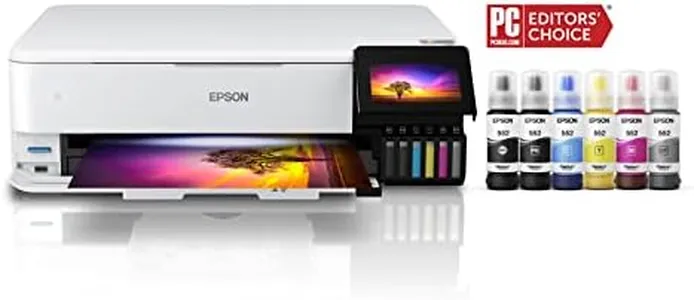

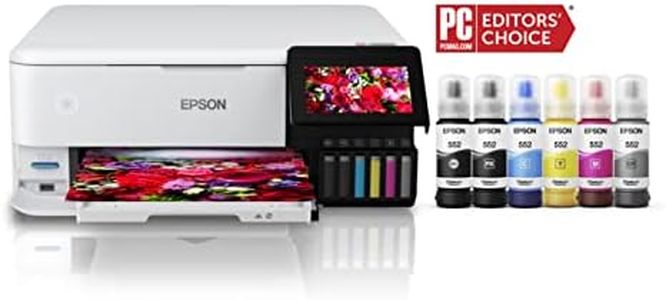
Color Accuracy: Claria ET Premium 6-color inks
Ink Type: Claria ET Premium 6-color inks
Print Size: up to 8.5x11 inches
Print Speed: 16 ppm mono, 12 ppm color
Connectivity Options: Wi-Fi, USB, Ethernet
Paper Handling: borderless, auto 2-sided, various media

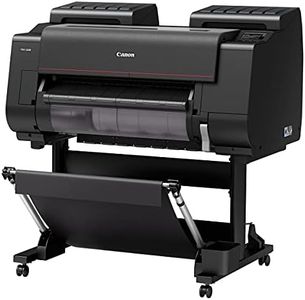
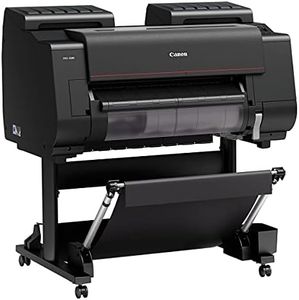
CANON PRO 2100 24 WIDE, FORMAT FINE ART PRINTER

Print Resolution: 2400 x 1200 dpi
Ink Type: Photo Black, Matte Black, Cyan, Magenta
Print Size: 24 x 59 inches
Print Speed: 15 ppm color, 30 ppm mono
Connectivity Options: USB, Ethernet

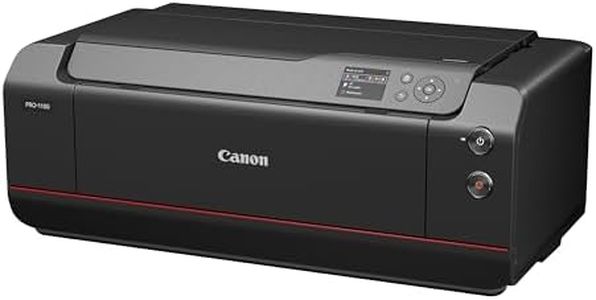
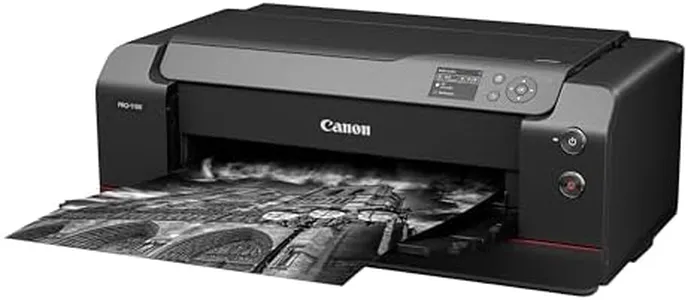
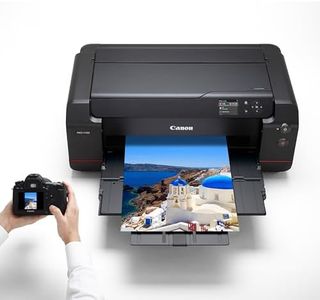
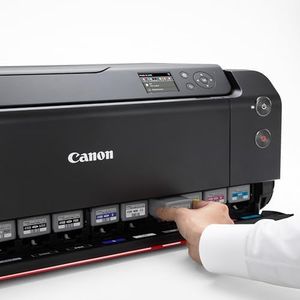
Canon imagePROGRAF PRO-1100: 17” Professional Wireless Inkjet Photo Printer
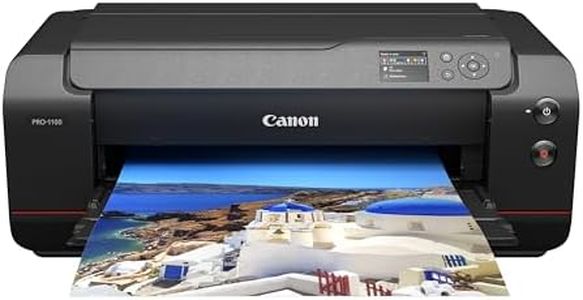
Print Resolution: 2400x1200 dpi
Color Accuracy: Excellent
Ink Type: Pigment-based
Print Size: Up to 17 inches wide
Print Speed: 1 ppm
Connectivity Options: USB, Wi-Fi
Paper Handling: Supports many paper sizes; 250 sheets
How do we rank products for you?

Our technology thoroughly searches through the online shopping world, reviewing hundreds of sites. We then process and analyze this information, updating in real-time to bring you the latest top-rated products. This way, you always get the best and most current options available.

headphones-stars

Buying Guide for the Best Photography Printers

Choosing the right photography printer can make a significant difference in the quality of your printed photos. The right printer will bring your digital images to life with vibrant colors and sharp details. When selecting a photography printer, it's important to consider several key specifications to ensure you get the best fit for your needs. Here are the most important specs to look at and how to navigate them.
Print ResolutionPrint resolution is measured in dots per inch (DPI) and indicates how many dots of ink the printer can place on a square inch of paper. Higher DPI values generally mean better print quality, with more detail and smoother gradients. For high-quality photo prints, look for a printer with at least 1200 DPI. If you are a professional photographer or need gallery-quality prints, consider printers with 2400 DPI or higher. Your need for resolution will depend on how detailed and large you want your prints to be.
Color AccuracyColor accuracy refers to how well a printer can reproduce the colors in your digital images. This is crucial for photography as you want your prints to look as close to the original image as possible. Printers with more ink cartridges (such as those with six or more colors) tend to have better color accuracy. Look for printers that offer a wide color gamut and have good reviews for color reproduction. If you are printing professional-grade photos, prioritize color accuracy to ensure your prints are true to life.
Ink TypeThere are two main types of ink used in photography printers: dye-based and pigment-based. Dye-based inks are known for their vibrant colors and are often used for everyday photo printing. Pigment-based inks, on the other hand, are more durable and resistant to fading, making them ideal for archival-quality prints. Choose dye-based inks if you want bright, vivid prints for casual use. Opt for pigment-based inks if you need long-lasting prints that will stand the test of time.
Print SizePrint size refers to the maximum size of the paper that the printer can handle. Common sizes include 4x6 inches, 8x10 inches, and larger formats like 13x19 inches. If you only need to print standard photo sizes, a printer that handles up to 8x10 inches will suffice. For larger prints, such as posters or professional displays, look for a printer that can handle larger paper sizes. Consider your typical print size needs and choose a printer that can accommodate them.
Print SpeedPrint speed is measured in pages per minute (PPM) and indicates how quickly a printer can produce prints. While not as critical as print quality, print speed can be important if you need to print a large number of photos in a short amount of time. Faster print speeds are beneficial for event photographers or those who need to produce prints on demand. If you print photos occasionally, a slower print speed may be acceptable. Assess how often and how quickly you need your prints to determine the right print speed for you.
Connectivity OptionsConnectivity options refer to the ways you can connect your printer to your devices. Common options include USB, Wi-Fi, and Ethernet. Wi-Fi connectivity allows you to print wirelessly from your computer, smartphone, or tablet, which can be very convenient. Some printers also support direct printing from memory cards or USB drives. Consider how you plan to connect to your printer and choose one with the appropriate connectivity options for your workflow.
Paper HandlingPaper handling refers to the types and capacities of paper that a printer can manage. Look for printers that can handle various paper types, such as glossy, matte, and fine art papers, as well as different weights and thicknesses. A printer with multiple paper trays or a high-capacity tray can be useful if you print frequently or use different paper types. Ensure the printer you choose can handle the specific paper types you plan to use for your photography.

FAQ