We Use CookiesWe use cookies to enhance the security, performance, functionality and for analytical and promotional activities. By continuing to browse this site you are agreeing to our privacy policy

10 Best All In One Printers 2026 in the United States

#1

Winner

10.0 score

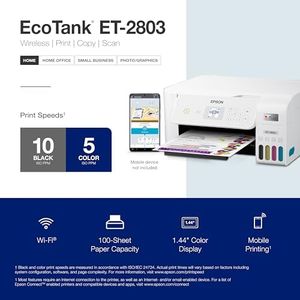
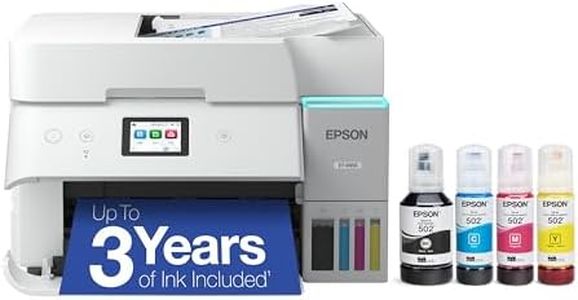
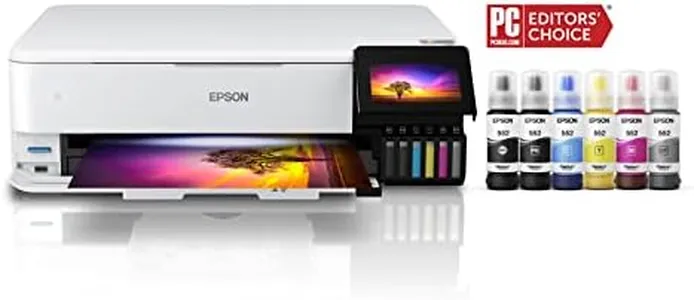
Epson EcoTank ET-2803 Wireless Color All-in-One Cartridge-Free Supertank Printer with Scan, Copy and AirPrint Support

The Epson EcoTank ET-2803 is a wireless color all-in-one printer designed for users who want a cartridge-free setup thanks to its refillable ink tanks. It uses inkjet technology and offers decent print quality with high resolution (up to 5760 x 1440 dpi), making it suitable for crisp documents and color prints. Print speeds are moderate, with about 10 pages per minute in black and white and 5 in color, which might feel slow for frequent printing. Connectivity options include USB and Wi-Fi, and it supports AirPrint for easy printing from smartphones or tablets.

Rating
10.0
Chosen by1,260
Size and Design
Print Resolution
Connectivity

Most important from
19072 reviews

Size and Design
The printer impresses with its compact, lightweight design that fits neatly on a desk without sacrificing functionality.
Print Resolution
Print quality stands out with sharp, vivid colors and crisp black-and-white documents, delivering excellent photo prints at home.
Connectivity
Wireless connectivity is generally stable and easy to configure, allowing seamless printing from laptops, desktops, and mobile devices.
Print Speed
Printing speed is adequate for home and small office tasks, balancing quality and efficiency with quiet operation.
#2
8.8 score

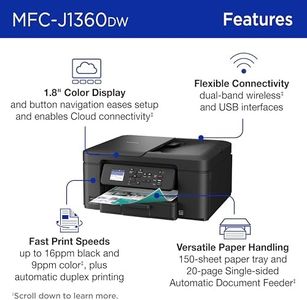
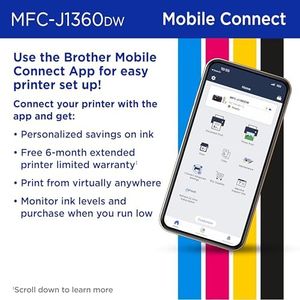
Brother Work Smart 1360 Wireless Color Inkjet All-in-One Printer with Automatic Duplex Printing and 1.8” Color Display | Includes Refresh Subscription Trial(1) (MFC-J1360DW) (Uses LC501 Series Inks)
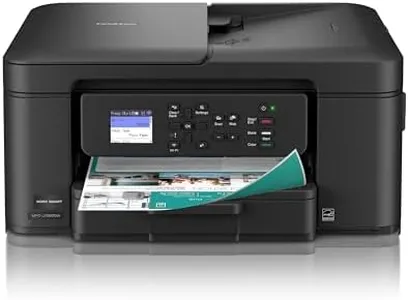
The Brother Work Smart 1360 is a compact all-in-one inkjet printer designed primarily for home and small office use. It can print, scan, copy, and even fax, making it a versatile choice if you need several functions in one machine. Printing speeds are decent, offering up to 16 pages per minute in black and 9 pages per minute in color, which should be fine for everyday tasks but might feel slow if you often print large volumes. The print resolution is quite good, providing sharp and detailed output suitable for most documents and some photos. One handy feature is automatic duplex printing, which lets you print on both sides of the paper without manually flipping it, saving paper and time. It also has a small automatic document feeder that can hold 20 sheets, useful for multi-page scanning or copying. Paper capacity is moderate with a 150-sheet tray, which means less frequent refilling for standard use.

Rating
8.8
Connectivity
Print Resolution
Print Speed

Most important from
9497 reviews

Connectivity
Wireless connection works flawlessly across devices, allowing printing from anywhere in the home without connection issues.
Print Resolution
Prints come out crisp and clear in both black and color, with scanning that is notably fast and produces sharp, speckle-free images.
Print Speed
Prints come out crisp and clear in both black and color, with scanning that is notably fast and produces sharp, speckle-free images.
Paper Handling
The printer handles various paper types and sizes easily, delivering smudge-free, high-quality color prints even on glossy paper.
Scanning and Copying Features
The scanner is a valuable addition, performing well in full color and making multi-function tasks convenient and reliable.
#3
8.2 score

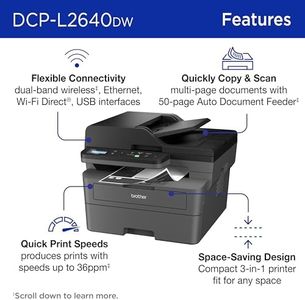
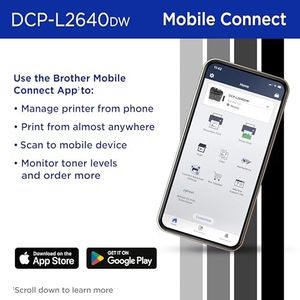
Brother DCP-L2640DW Wireless Compact Monochrome Multi-Function Laser Printer with Copy and Scan, Duplex, Mobile, Black & White | Includes Refresh Subscription Trial(1), Works with Alexa

The Brother DCP-L2640DW is a compact monochrome all-in-one laser printer designed to meet the needs of small businesses. One of its primary strengths is its fast print speed, capable of producing up to 36 pages per minute, which is ideal for high-volume printing tasks. The print quality is high, delivering crisp and clear black and white documents, making it suitable for professional reports and presentations. The scanner also performs efficiently with decent scan speeds and a 50-page automatic document feeder (ADF), which is a time-saver for multi-page scanning and copying tasks.

Rating
8.2
Print Quality (Resolution)
Print Speed
Connectivity Options

Most important from
2927 reviews

Print Quality (Resolution)
The print quality is significantly better than any inkjet, producing crisp, professional-looking documents.
Print Speed
Prints are fast, quiet, and the printer itself is highly reliable, expected to last for years with minimal issues.
Connectivity Options
Setup is easy and the printer communicates flawlessly over Wi-Fi, making it trouble-free to use.
Ink/Toner Cost and Yield
Toner replacement is reasonably priced, especially when bought in multipacks, adding to the overall value.

Top 10 Best All In One Printers 2026 in the United States
#1

Winner

10.0  score

Epson EcoTank ET-2803 Wireless Color All-in-One Cartridge-Free Supertank Printer with Scan, Copy and AirPrint Support
Print Technology: Inkjet
Print Speed: 10 ppm mono, 5 ppm color
Print Resolution: 5760 x 1440 dpi
Connectivity: USB, Wi-Fi
Paper Handling: Single tray, 100 sheets max
Scanning and Copying Features: Flatbed scanner, 600 dpi max
Duplex Printing and Scanning: No
Size and Design: 22.8x14.8x10 in, 8.8 lbs
Operating System and App Support: Android, iOS, Epson app, AirPrint

Chosen by 1260 this week

Brother Work Smart 1360 Wireless Color Inkjet All-in-One Printer with Automatic Duplex Printing and 1.8” Color Display | Includes Refresh Subscription Trial(1) (MFC-J1360DW) (Uses LC501 Series Inks)
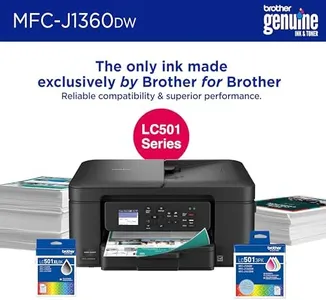
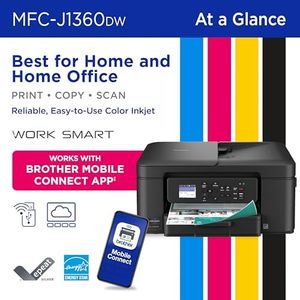
Print Technology: Inkjet
Print Speed: 16 ppm Mono, 9 ppm Color
Print Resolution: Up to 1200 x 6000 dpi Windows
Connectivity: USB, Wi-Fi
Paper Handling: 150-sheet tray, Supports Legal size
Scanning and Copying Features: Copy, Fax, Scan; Flatbed, Sheetfed
Duplex Printing and Scanning: Automatic duplex printing
Size and Design: 13.5"D x 15.4"W x 7.2"H
Operating System and App Support: Windows, Mac; Brother Mobile Connect

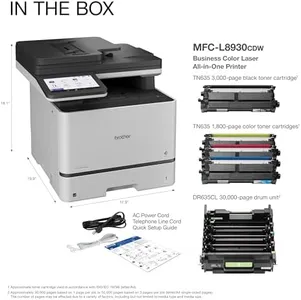
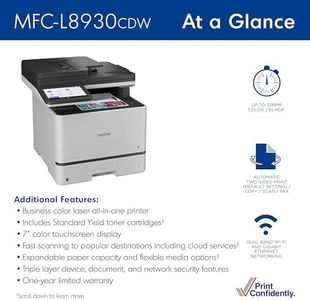
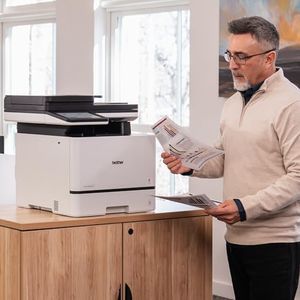
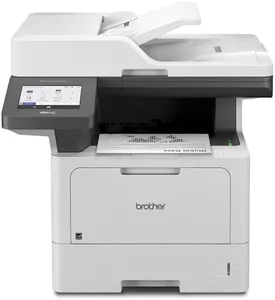
Brother MFC-L8930CDW Business Color Laser All-in-One Printer with Duplex Print, Scan, Copy, Low-Cost Printing, and Advanced Security Features

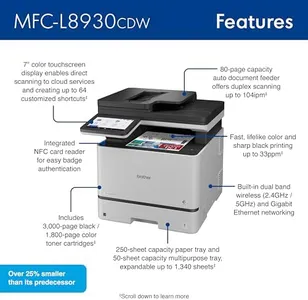
Print Technology: Laser
Print Speed: 33 ppm
Print Resolution: 2400 x 600 dpi
Connectivity: Ethernet, USB, Wi-Fi
Paper Handling: One multipurpose tray, legal size
Scanning and Copying Features: 80-page ADF, flatbed, two-sided scan
Duplex Printing and Scanning: Auto duplex printing, two-sided scan
Size and Design: 20.7"D x 16.1"W x 21.6"H

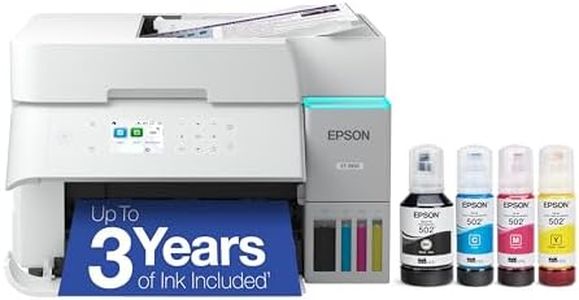
Epson EcoTank ET-2800 Wireless Color All-in-One Cartridge-Free Supertank with Scan and Copy, The Ideal Basic Home Printer - White

Print Quality (Resolution): 5760 x 1440
Print Speed: 10 ppm (mono), 5 ppm (color)
Connectivity Options: wired, wireless
Paper Handling: 100-sheet input tray
Duplex Printing: Manual
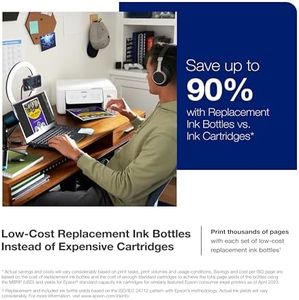
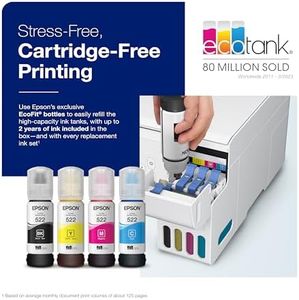
Ink/Toner Cost and Yield: savings up to 90%, ink lasts 2 years

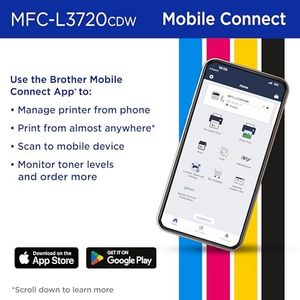
Brother MFC-L3720CDW Wireless Color Laser Printer with Scanner, Copier and Fax | Auto Duplex and 250-Sheet Capacity | Includes Refresh Subscription Trial(1). Amazon Dash Replenishment Ready

Print Quality (Resolution): 2400 x 600 dpi
Print Speed: 19 ppm
Connectivity Options: Wi-Fi, USB 2.0, Wi-Fi Direct
Paper Handling: 250-sheet capacity tray
Scanner Resolution: 300 x 300 dpi
Automatic Document Feeder (ADF): 50-page
Duplex Printing: Automatic
Ink/Toner Cost and Yield: Brother Genuine Toner, Refresh EZ Print

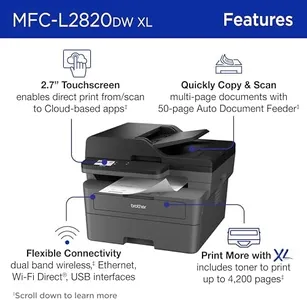
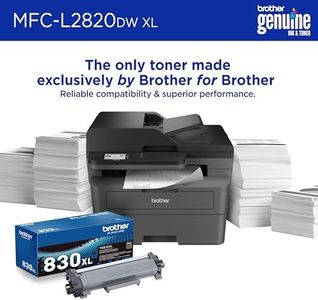
Brother MFC-L2820DW XL Wireless Compact Monochrome All-in-One Laser Printer with Copy, Scan and Fax, Duplex, Black & White | Up to 4,200 Pages of Toner Included(1), Works with Alexa
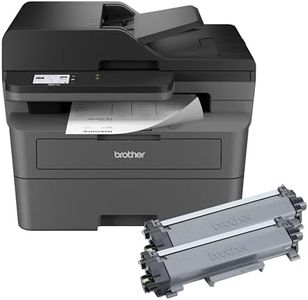
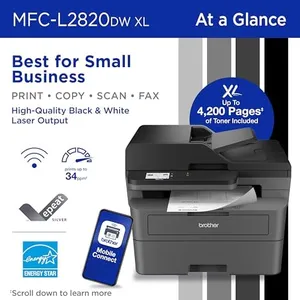
Print Technology: Laser
Print Speed: 34 ppm
Print Resolution: 1200 x 1200 dpi
Connectivity: Ethernet, USB, Wi-Fi
Paper Handling: 250-sheet tray, up to 8.5x14 inch
Scanning and Copying Features: Copy, Fax, Scan; 34 ppm max speed
Duplex Printing and Scanning: Automatic duplex printing and scanning
Size and Design: 15.7x16.1x12.5 in; 22.7 lbs; Black
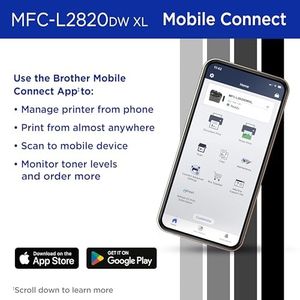
Operating System and App Support: Supports PC, smartphones; App control

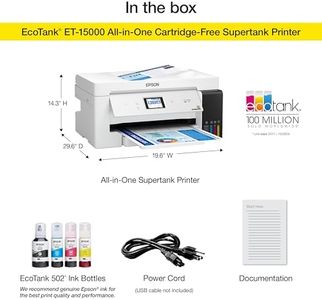
Epson EcoTank ET-15000 Wireless Color All-in-One Supertank Printer with Scanner, Copier, Fax, Ethernet and Printing up to 13 x 19 Inches, White

Print Speed: 17 ppm (black), 9 ppm (color)
Connectivity Options: Wi-Fi, Ethernet, Wi-Fi Direct
Paper Handling: Up to 13 x 19 inches
Automatic Document Feeder (ADF): Yes
Duplex Printing: Yes
Ink/Toner Cost and Yield: Up to 2 years of ink
How do we rank products for you?

Our technology thoroughly searches through the online shopping world, reviewing hundreds of sites. We then process and analyze this information, updating in real-time to bring you the latest top-rated products. This way, you always get the best and most current options available.

headphones-stars

Buying Guide for the Best All In One Printers

Choosing an all-in-one printer can seem overwhelming given the wide variety available, but focusing on your actual needs can make the process much simpler. All-in-one printers are designed to handle printing, scanning, copying, and sometimes faxing, all in one device. Start by thinking about how often you print, whether you need to print in color, and if you want wireless features. Consider where you'll place the printer, and how many people will use it. Focusing on what you’ll use the most will help you pick the best fit.
Print TechnologyPrint technology refers to how the printer creates images and text on paper. The two main types are inkjet and laser. Inkjet printers use liquid ink and are often better for photos and color images. Laser printers use toner powder and are usually faster and better for high-volume black-and-white printing. If you mostly print text documents, a laser may be best. For colorful flyers or photos, inkjets can be the better choice. Think about the kind of documents you expect to print most often when choosing.
Print SpeedPrint speed is measured in pages per minute (ppm) and tells you how quickly the printer can produce pages. Basic printers might print fewer than 10 pages per minute, while faster models may print over 30 pages per minute. If you only print occasionally or a few pages at a time, print speed might not matter much. However, if you often print large documents or use your printer for work, a higher speed can save time and frustration.
Print ResolutionPrint resolution, measured in dots per inch (dpi), shows how detailed the prints will be. Higher dpi means sharper images and text. Most people will be satisfied with standard resolution for text and simple graphics, but if you plan to print photos or detailed images, look for higher dpi. For basic documents, resolution is less critical, but for creative projects or photos, higher numbers make a difference.
ConnectivityConnectivity refers to how you connect to the printer. Common options include USB, Wi-Fi, Ethernet, and sometimes Bluetooth. If you want to print from multiple devices or wirelessly from your phone or laptop, make sure the printer supports Wi-Fi or Bluetooth. If you'll have the printer in an office with many users, Ethernet (wired network) might be helpful. Think about where you'll use the printer and what devices need to connect to it before deciding.
Paper HandlingPaper handling includes the types and sizes of paper the printer supports, as well as input and output tray capacity. Some printers handle only standard A4 paper, while others can print envelopes, labels, or even glossy photo paper. Tray size matters for convenience: a larger tray means less refilling. If you print odd sizes or a lot at once, look for better handling features. Match the printer's paper capabilities with the kinds of documents you'll produce most.
Scanning and Copying FeaturesAll-in-one printers have scanners and copiers, but their quality and features vary. Resolution, speed, and whether the printer has an automatic document feeder (ADF) are important. Higher scanning resolution is useful for photos or detailed images; basic scanning is fine for simple documents. An ADF lets you scan or copy multi-page documents easily. If you frequently scan or copy, consider these aspects. If it's an occasional task, basic features will likely be enough.
Duplex Printing and ScanningDuplex refers to the ability to print or scan on both sides of the page automatically. This can save paper and time if you often deal with double-sided documents. Basic models often require you to manually turn the page, while more advanced ones do it automatically. If saving paper or convenience is important, look for automatic duplex features.
Size and DesignPrinters come in a range of sizes, from compact to large. If space is tight, pay attention to the printer’s dimensions. Compact models are good for small desks, while larger ones might offer extra features but need more space. Think realistically about where you’ll put it, and choose a size that fits your available area.
Operating System and App SupportSome printers are easier to use with certain computers or mobile devices. Make sure the printer supports the operating system you use, whether it's Windows, macOS, or a specific mobile platform. Good app support can also make printing from your phone or tablet much easier. If you often use mobile devices, check for strong app support and compatibility.

FAQ