10 Best Editing Monitor 2026 in the United States
Winner
Dell 32 Plus 4K Monitor - S3225QS - 31.5-inch 4K (3840 x 2160) up to 120Hz 16:9 Display, VA Panel, AMD FreeSync Premium, 99% sRGB, 95% DCI-P3, 1500:1 Contrast Ratio, Comfortview - Ash White

The Dell 32 Plus 4K Monitor (S3225QS) is a solid choice for those who need a large, high-resolution display for editing tasks. Its 31.5-inch screen with a sharp 4K resolution (3840 x 2160) delivers plenty of workspace and clear, detailed images, essential for precise editing. The VA panel offers rich contrast (1500:1), which helps reveal subtle differences in shadows and highlights—useful for photo and video work. Color accuracy is quite good with 99% sRGB and 95% DCI-P3 coverage, meaning colors appear vibrant and close to real life, which is important for color-critical projects. The ComfortView Plus feature reduces blue light, helping reduce eye strain during long editing sessions without sacrificing color quality.
Most important from
367 reviews
ASUS ROG Swift 27” 4K QD-OLED Gaming Monitor (PG27UCDM) - 240Hz, 0.03ms, Custom Heatsink, Neo Proximity Sensor, G-SYNC Compatible, 99% DCI-P3, True 10-bit color, DisplayPort 2.1a UHBR20, 3 yr warranty
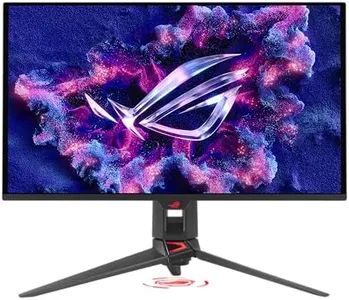
The ASUS ROG Swift 27” QD-OLED monitor is a high-quality 4K (3840 x 2160) display with a 26.5-inch screen that offers stunning sharpness and detailed visuals, making it an excellent choice for photo and video editing. Its QD-OLED panel technology provides rich, true-to-life colors with 99% DCI-P3 coverage and true 10-bit color depth, which means images will look vibrant and accurate. The monitor also achieves a very low color difference (Delta E < 2), important for professionals who need precise color representation.
Most important from
115 reviews
LG 32U990A-S 32-Inch Ultrafine 6K (6144 x 3456) Nano IPS Black Thunderbolt 5 Professional Monitor, 60Hz, DisplayHDR 600, Speakers, HDMI 2.1, DisplayPort 2.1, USB-C, Tilt/Height/Pivot Stand, Silver
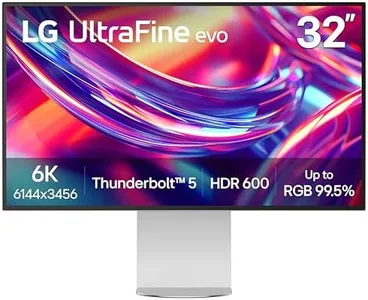
The LG 32U990A-S is a 32-inch professional editing monitor that stands out with its impressive 6K resolution (6144 x 3456), offering incredibly sharp and detailed images thanks to its high pixel density. This makes it ideal for photo editing, video post-production, and other creative tasks where clarity matters. The Nano IPS Black panel delivers excellent color accuracy with 99.5% Adobe RGB and 98% DCI-P3 coverage, alongside a real 10-bit color depth, ensuring smooth color gradients and precise color reproduction—key for color-sensitive projects. It also features a solid 2000:1 contrast ratio, which helps produce deeper blacks and richer shadows, adding to the visual quality. The 60Hz refresh rate is sufficient for editing work, although not aimed at gaming or fast-motion video.
Most important from
58 reviews
Top 10 Best Editing Monitor 2026 in the United States
Winner
Dell 32 Plus 4K Monitor - S3225QS - 31.5-inch 4K (3840 x 2160) up to 120Hz 16:9 Display, VA Panel, AMD FreeSync Premium, 99% sRGB, 95% DCI-P3, 1500:1 Contrast Ratio, Comfortview - Ash White

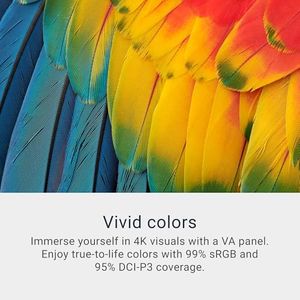
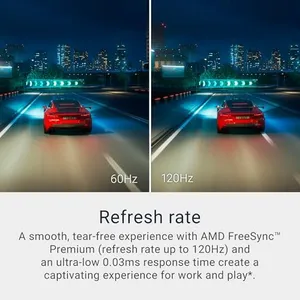
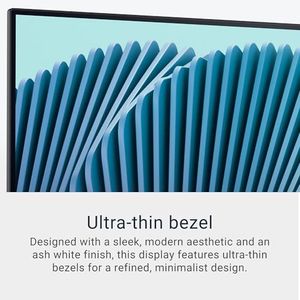
Dell 32 Plus 4K Monitor - S3225QS - 31.5-inch 4K (3840 x 2160) up to 120Hz 16:9 Display, VA Panel, AMD FreeSync Premium, 99% sRGB, 95% DCI-P3, 1500:1 Contrast Ratio, Comfortview - Ash White
Chosen by 1471 this week
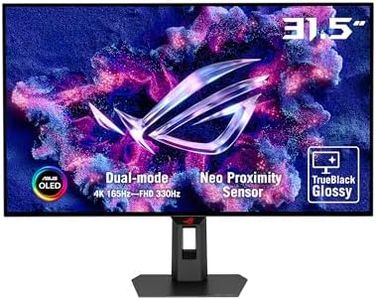
ASUS ROG Swift 27” 4K QD-OLED Gaming Monitor (PG27UCDM) - 240Hz, 0.03ms, Custom Heatsink, Neo Proximity Sensor, G-SYNC Compatible, 99% DCI-P3, True 10-bit color, DisplayPort 2.1a UHBR20, 3 yr warranty
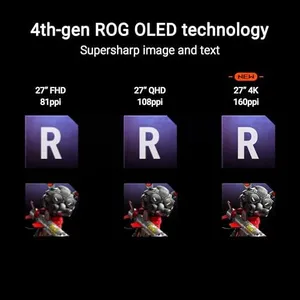
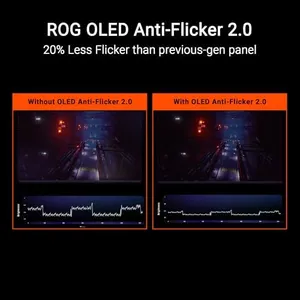
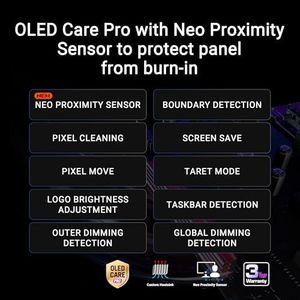

ASUS ROG Swift 27” 4K QD-OLED Gaming Monitor (PG27UCDM) - 240Hz, 0.03ms, Custom Heatsink, Neo Proximity Sensor, G-SYNC Compatible, 99% DCI-P3, True 10-bit color, DisplayPort 2.1a UHBR20, 3 yr warranty
LG 32U990A-S 32-Inch Ultrafine 6K (6144 x 3456) Nano IPS Black Thunderbolt 5 Professional Monitor, 60Hz, DisplayHDR 600, Speakers, HDMI 2.1, DisplayPort 2.1, USB-C, Tilt/Height/Pivot Stand, Silver
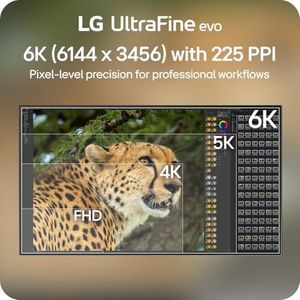

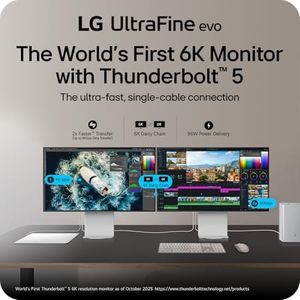
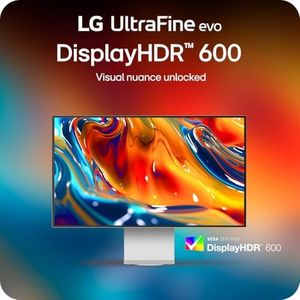
LG 32U990A-S 32-Inch Ultrafine 6K (6144 x 3456) Nano IPS Black Thunderbolt 5 Professional Monitor, 60Hz, DisplayHDR 600, Speakers, HDMI 2.1, DisplayPort 2.1, USB-C, Tilt/Height/Pivot Stand, Silver
Dell 27 Plus 4K USB-C Monitor - S2725QC - 27-inch 4K (3840 x 2160) 120Hz 16:9 Display, AMD FreeSync Premium, sRGB 99%, Integrated Speakers, 1500:1 Contrast Ratio, Comfortview - Ash White


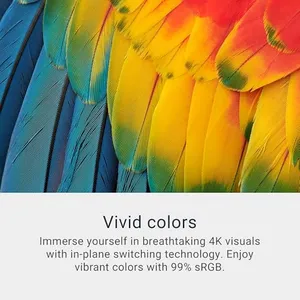
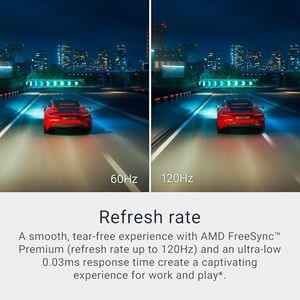
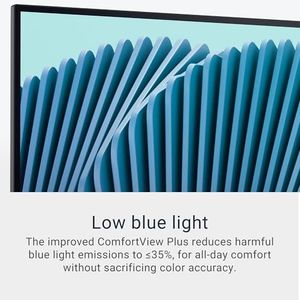
Dell 27 Plus 4K USB-C Monitor - S2725QC - 27-inch 4K (3840 x 2160) 120Hz 16:9 Display, AMD FreeSync Premium, sRGB 99%, Integrated Speakers, 1500:1 Contrast Ratio, Comfortview - Ash White
Samsung 49” Odyssey G9 Series DQHD 1000R Curved Gaming Monitor, 1ms(GtG), VESA DisplayHDR 1000, 240Hz, AMD FreeSync Premium Pro, Height Adjustable Stand, Ultrawide Screen, LS49CG954ENXZA, 2024
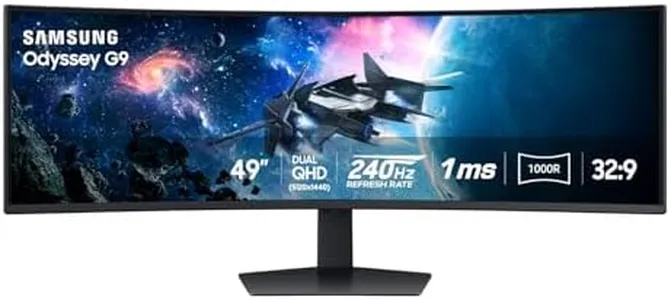

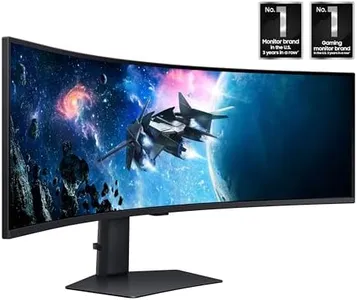
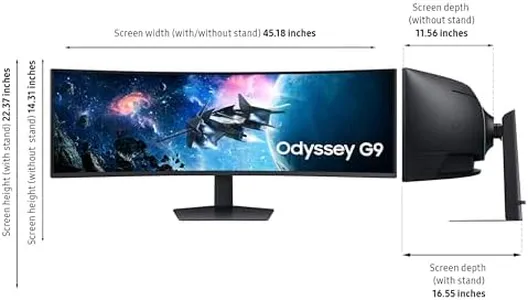

Samsung 49” Odyssey G9 Series DQHD 1000R Curved Gaming Monitor, 1ms(GtG), VESA DisplayHDR 1000, 240Hz, AMD FreeSync Premium Pro, Height Adjustable Stand, Ultrawide Screen, LS49CG954ENXZA, 2024
Related Products
Up to 32% off
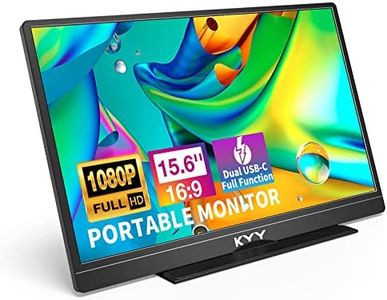
![KYY Portable Monitor 15.6'' 1080P FHD USB-C Laptop Monitors w/Smart Cover & Dual Speaker, HDMI Computer Display IPS HDR External Gaming Monitor for PC Phone Mac Xbox PS4 Switch[Upgraded]](https://images-proxy.bestreviews.guide/vIFCv2uEYZPAF0MgqvliERFQqO8=/0x300/https://m.media-amazon.com/images/I/41CdBgZtF7L._AC_CX679_.jpg)



ASUS ROG Swift OLED 27” 1440P Gaming Monitor (PG27AQDP) - WOLED, QHD, 480Hz, 0.03ms, G-SYNC Compatible, Custom Heatsink, AI Assistant, DisplayHDR400 True Black, 99% DCI-P3, True 10-bit, DisplayWidget
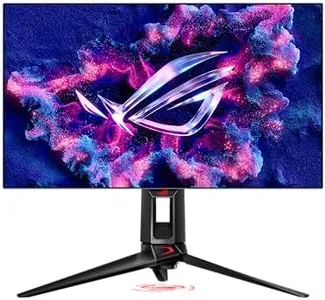
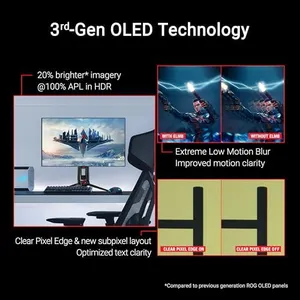
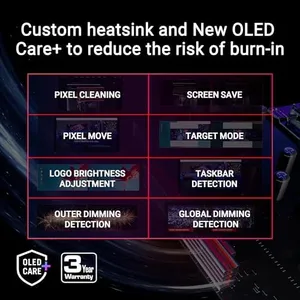
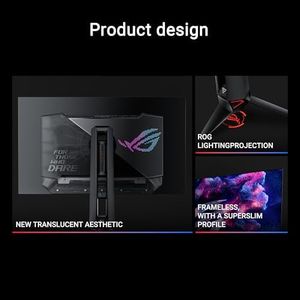
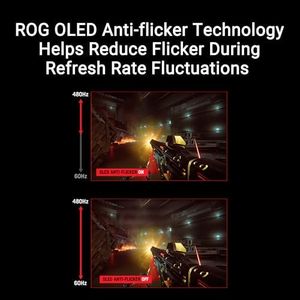
ASUS ROG Swift OLED 27” 1440P Gaming Monitor (PG27AQDP) - WOLED, QHD, 480Hz, 0.03ms, G-SYNC Compatible, Custom Heatsink, AI Assistant, DisplayHDR400 True Black, 99% DCI-P3, True 10-bit, DisplayWidget
Dell 27 Plus 4K Monitor - S2725QS - 27-inch 4K (3840 x 2160) 120Hz 16:9 Display, IPS Panel, AMD FreeSync Premium, sRGB 99%, Integrated Speakers, 1500:1 Contrast Ratio, Comfortview - Ash White


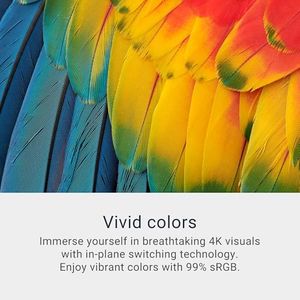
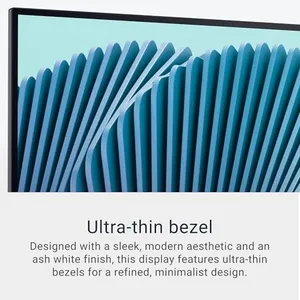
Dell 27 Plus 4K Monitor - S2725QS - 27-inch 4K (3840 x 2160) 120Hz 16:9 Display, IPS Panel, AMD FreeSync Premium, sRGB 99%, Integrated Speakers, 1500:1 Contrast Ratio, Comfortview - Ash White
ASUS ProArt Display 34” Ultrawide Curved Professional HDR Monitor (PA34VCNV) - IPS, 21:9 3440 x 1440, 3800R Curve, 100% sRGB/Rec709, ΔE<2, Calman Verified, USB-C Docking PD 96W, RJ45, 3 Year Warranty
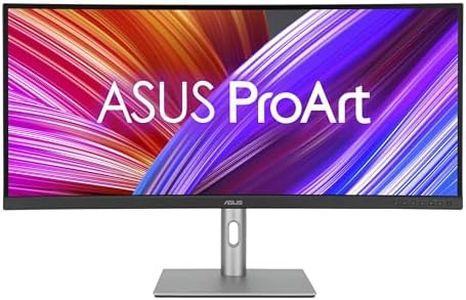
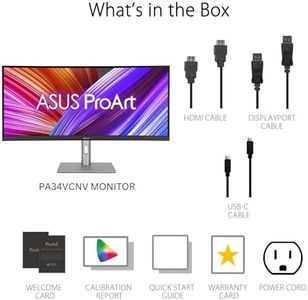
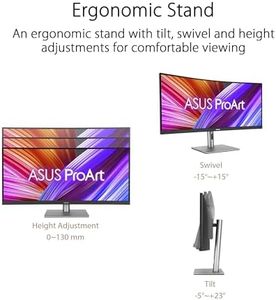

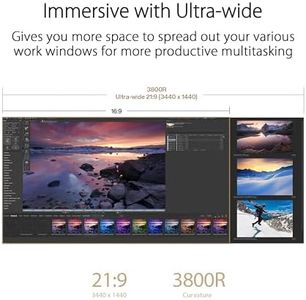
ASUS ProArt Display 34” Ultrawide Curved Professional HDR Monitor (PA34VCNV) - IPS, 21:9 3440 x 1440, 3800R Curve, 100% sRGB/Rec709, ΔE<2, Calman Verified, USB-C Docking PD 96W, RJ45, 3 Year Warranty
ASUS ProArt Display 27” 5K HDR Professional Monitor (PA27JCV) - 5K (5120 x 2880), IPS, 99% DCI-P3, 100% sRGB, ΔE < 2, USB-C PD 96W, Calman Verified, Color Accurate, LuxPixel, 3 yr Warranty
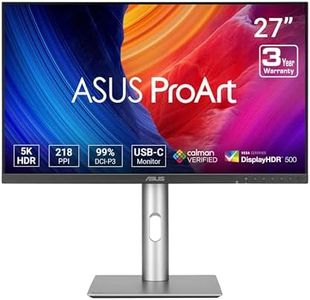
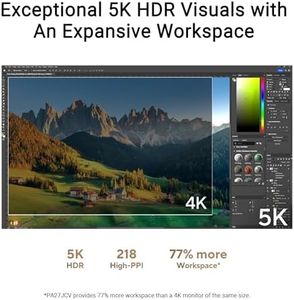
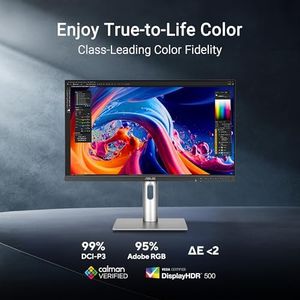
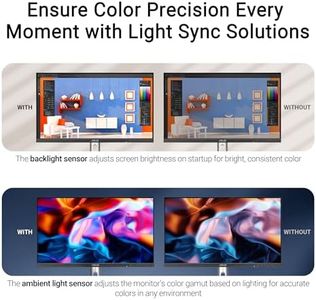

ASUS ProArt Display 27” 5K HDR Professional Monitor (PA27JCV) - 5K (5120 x 2880), IPS, 99% DCI-P3, 100% sRGB, ΔE < 2, USB-C PD 96W, Calman Verified, Color Accurate, LuxPixel, 3 yr Warranty


Our technology thoroughly searches through the online shopping world, reviewing hundreds of sites. We then process and analyze this information, updating in real-time to bring you the latest top-rated products. This way, you always get the best and most current options available.
