10 Best Monitor For Video Editing 2026 in the United States
Winner
Dell 27 Plus 4K USB-C Monitor - S2725QC - 27-inch 4K (3840 x 2160) 120Hz 16:9 Display, AMD FreeSync Premium, sRGB 99%, Integrated Speakers, 1500:1 Contrast Ratio, Comfortview - Ash White

The Dell 27 Plus 4K USB-C Monitor is a solid choice for video editing thanks to its sharp 27-inch 4K display (3840 x 2160 resolution), which gives you plenty of screen space and detail to work with. Its in-plane switching (IPS) panel ensures wide viewing angles and consistent colors, which is important when color accuracy matters. Covering 99% of the sRGB color space means it reproduces colors quite well, though professionals needing even wider color gamuts might look elsewhere. The 1500:1 contrast ratio and HDR readiness add decent depth and detail to your images. Its 16:9 aspect ratio is standard and fits most editing software timelines comfortably.
Most important from
476 reviews
Dell 32 Plus 4K Monitor - S3225QS - 31.5-inch 4K (3840 x 2160) up to 120Hz 16:9 Display, VA Panel, AMD FreeSync Premium, 99% sRGB, 95% DCI-P3, 1500:1 Contrast Ratio, Comfortview - Ash White

The Dell 32 Plus 4K Monitor (S3225QS) is a strong choice for video editing, thanks to its large 31.5-inch 4K screen that offers sharp and detailed visuals at 3840 x 2160 resolution. Its VA panel delivers deep contrast (1500:1), which helps bring out details in shadows and highlights, making it easier to spot subtle changes in video footage. Color accuracy is quite good for this kind of monitor, covering 99% of sRGB and 95% of DCI-P3 color spaces, which means it can display a wide and vivid range of colors suitable for most video work. It also features ComfortView Plus technology that reduces blue light without dulling colors, lessening eye strain during long editing sessions.
Most important from
367 reviews
LG 40U990A-W 40-inch Ultrafine evo 5K2K WUHD (5120 x 2160) Nano IPS Curved Monitor, Thunderbolt 5, DisplayHDR 600, Built-in Speaker, 120Hz, HDMI 2.1, DP 2.1, USB C, Tilt/Height/Swivel Stand, White
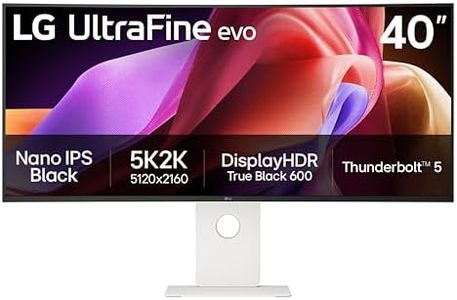
The LG 40U990A-W is a 40-inch curved ultrawide monitor with a sharp 5K2K (5120 x 2160) resolution that offers plenty of screen space and detail for video editing. Its Nano IPS Black panel delivers excellent color accuracy with up to 99% DCI-P3 coverage and a strong 2000:1 contrast ratio, making it great for color-critical tasks like grading and design. The monitor supports VESA DisplayHDR 600, enhancing the visual depth with better blacks and highlights. Connectivity is robust with Thunderbolt 5, HDMI 2.1, DisplayPort 2.1, and USB-C, enabling fast data transfer, daisy chaining multiple monitors, and easy connection to various devices without adapters.
Most important from
58 reviews
Top 10 Best Monitor For Video Editing 2026 in the United States
Winner
Dell 27 Plus 4K USB-C Monitor - S2725QC - 27-inch 4K (3840 x 2160) 120Hz 16:9 Display, AMD FreeSync Premium, sRGB 99%, Integrated Speakers, 1500:1 Contrast Ratio, Comfortview - Ash White
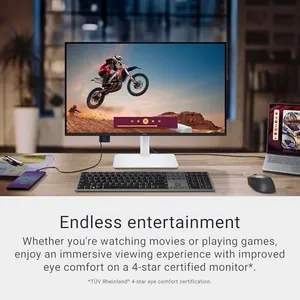
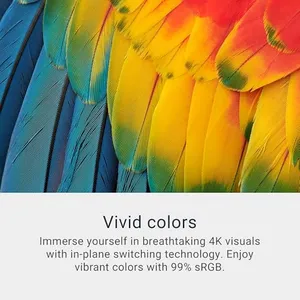
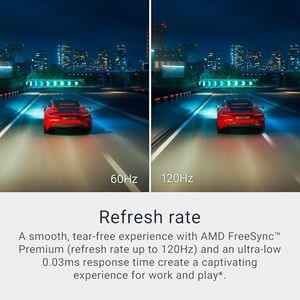
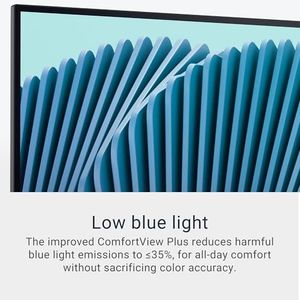
Dell 27 Plus 4K USB-C Monitor - S2725QC - 27-inch 4K (3840 x 2160) 120Hz 16:9 Display, AMD FreeSync Premium, sRGB 99%, Integrated Speakers, 1500:1 Contrast Ratio, Comfortview - Ash White
Chosen by 1151 this week
Dell 32 Plus 4K Monitor - S3225QS - 31.5-inch 4K (3840 x 2160) up to 120Hz 16:9 Display, VA Panel, AMD FreeSync Premium, 99% sRGB, 95% DCI-P3, 1500:1 Contrast Ratio, Comfortview - Ash White

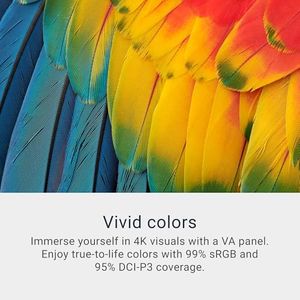
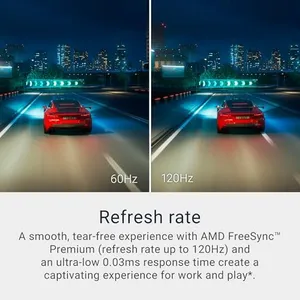
Dell 32 Plus 4K Monitor - S3225QS - 31.5-inch 4K (3840 x 2160) up to 120Hz 16:9 Display, VA Panel, AMD FreeSync Premium, 99% sRGB, 95% DCI-P3, 1500:1 Contrast Ratio, Comfortview - Ash White
LG 40U990A-W 40-inch Ultrafine evo 5K2K WUHD (5120 x 2160) Nano IPS Curved Monitor, Thunderbolt 5, DisplayHDR 600, Built-in Speaker, 120Hz, HDMI 2.1, DP 2.1, USB C, Tilt/Height/Swivel Stand, White
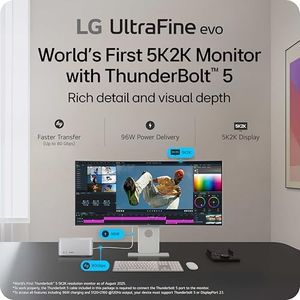
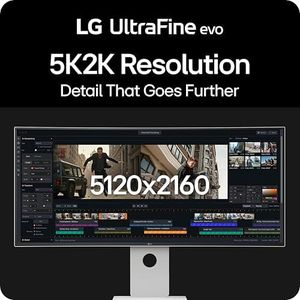
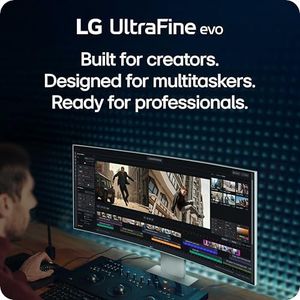
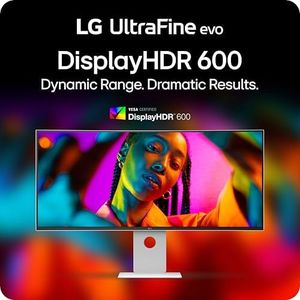
LG 40U990A-W 40-inch Ultrafine evo 5K2K WUHD (5120 x 2160) Nano IPS Curved Monitor, Thunderbolt 5, DisplayHDR 600, Built-in Speaker, 120Hz, HDMI 2.1, DP 2.1, USB C, Tilt/Height/Swivel Stand, White
LG 45GX950A-B 45-inch Ultragear 5K2K WUHD (5120 x 2160) OLED Curved Gaming Monitor, Dual-Mode, 165Hz, 0.03ms, NVIDIA G-Sync, AMD FreeSync Premium Pro, HDR True Black 400, USB Type-C 90W, DP2.1
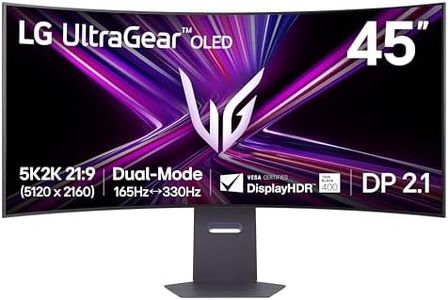
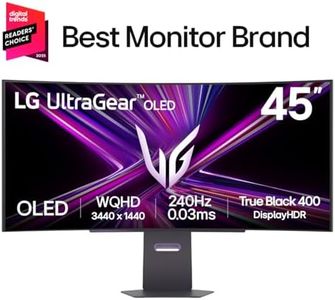


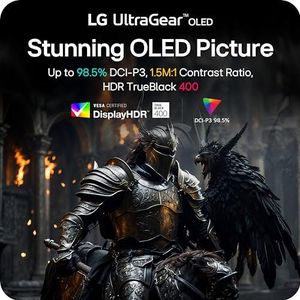
LG 45GX950A-B 45-inch Ultragear 5K2K WUHD (5120 x 2160) OLED Curved Gaming Monitor, Dual-Mode, 165Hz, 0.03ms, NVIDIA G-Sync, AMD FreeSync Premium Pro, HDR True Black 400, USB Type-C 90W, DP2.1
ASUS ProArt Display 32” 6K Professional Monitor (PA32QCV) - IPS, 6K (6016 x 3384), 98% DCI-P3, LuxPixel™, ΔE < 2, Calman Verified, Thunderbolt 4, DisplayHDR600, Auto KVM, DisplayWidget, 3 yr Warranty

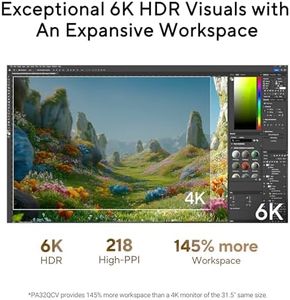
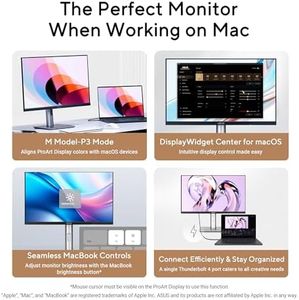
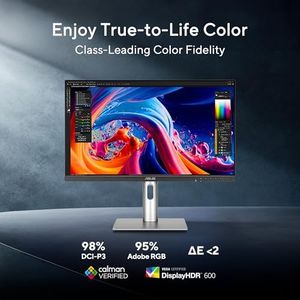
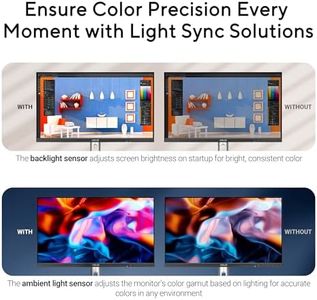
ASUS ProArt Display 32” 6K Professional Monitor (PA32QCV) - IPS, 6K (6016 x 3384), 98% DCI-P3, LuxPixel™, ΔE < 2, Calman Verified, Thunderbolt 4, DisplayHDR600, Auto KVM, DisplayWidget, 3 yr Warranty
Related Products
Up to 32% off
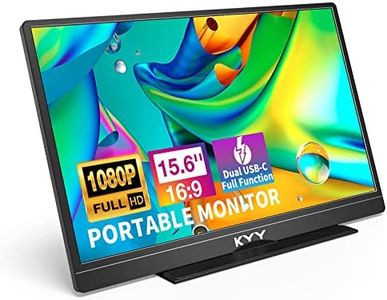
![KYY Portable Monitor 15.6'' 1080P FHD USB-C Laptop Monitors w/Smart Cover & Dual Speaker, HDMI Computer Display IPS HDR External Gaming Monitor for PC Phone Mac Xbox PS4 Switch[Upgraded]](https://images-proxy.bestreviews.guide/vIFCv2uEYZPAF0MgqvliERFQqO8=/0x300/https://m.media-amazon.com/images/I/41CdBgZtF7L._AC_CX679_.jpg)



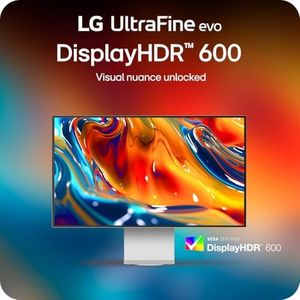
Apple Studio Display - Standard Glass - Tilt-Adjustable Stand
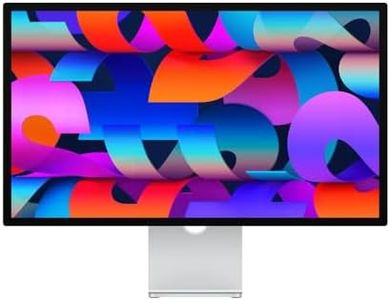
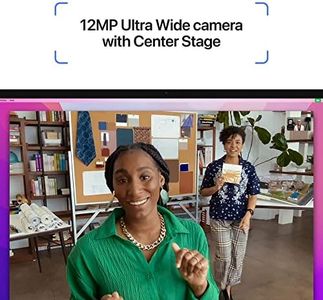
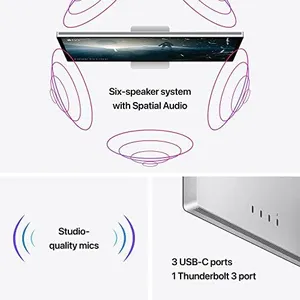
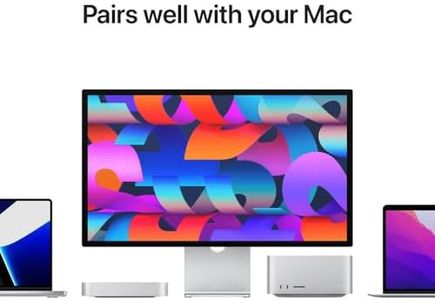
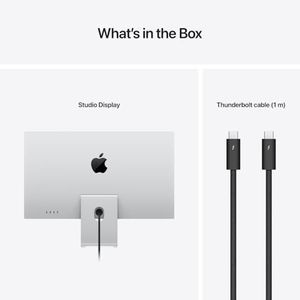
Apple Studio Display - Standard Glass - Tilt-Adjustable Stand
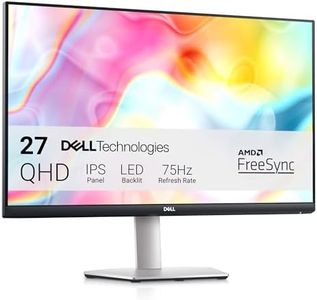
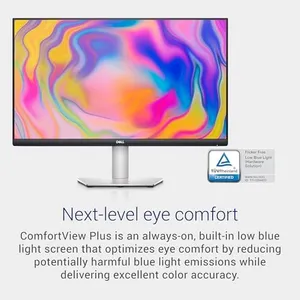
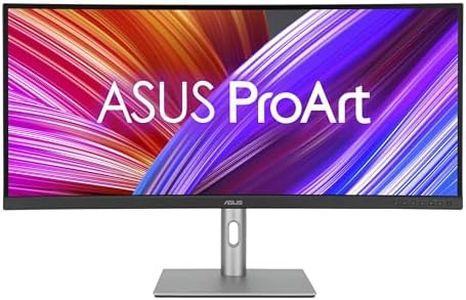
ASUS ProArt Display 27” 5K HDR Professional Monitor (PA27JCV) - 5K (5120 x 2880), IPS, 99% DCI-P3, 100% sRGB, ΔE < 2, USB-C PD 96W, Calman Verified, Color Accurate, LuxPixel, 3 yr Warranty
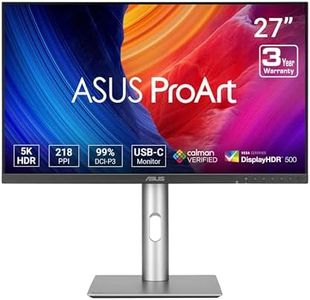
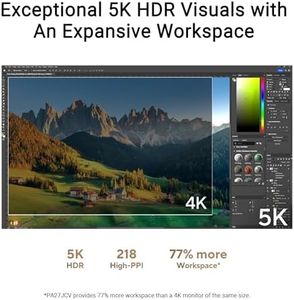
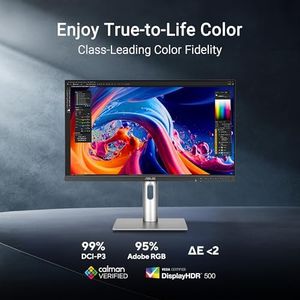
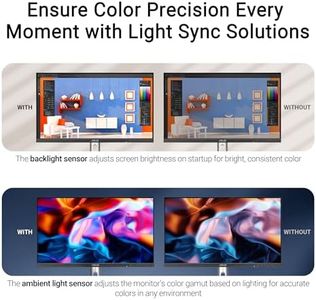

ASUS ProArt Display 27” 5K HDR Professional Monitor (PA27JCV) - 5K (5120 x 2880), IPS, 99% DCI-P3, 100% sRGB, ΔE < 2, USB-C PD 96W, Calman Verified, Color Accurate, LuxPixel, 3 yr Warranty



Our technology thoroughly searches through the online shopping world, reviewing hundreds of sites. We then process and analyze this information, updating in real-time to bring you the latest top-rated products. This way, you always get the best and most current options available.
